

This is the latest version
130 14 k
14 k
 1.44 MB
 5.0+
5.0+
Screenshots
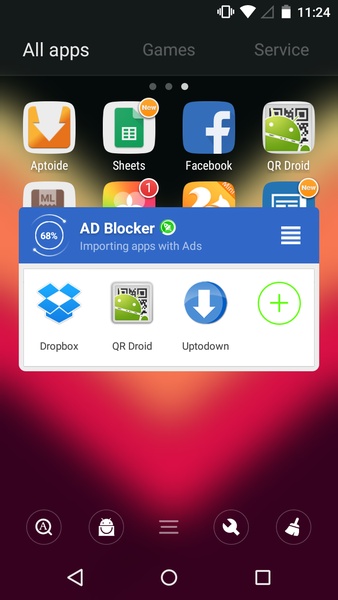
Description of AD Blocker
If you're used to downloading and accumulating apps without passing through any type of filter and your device is full of ads and pop-ups, it most likely has something to do with one or more of these apps. AD Blocker is a tool that will help you find the problem without needing to uninstall all of the apps in search of the one causing the problem.
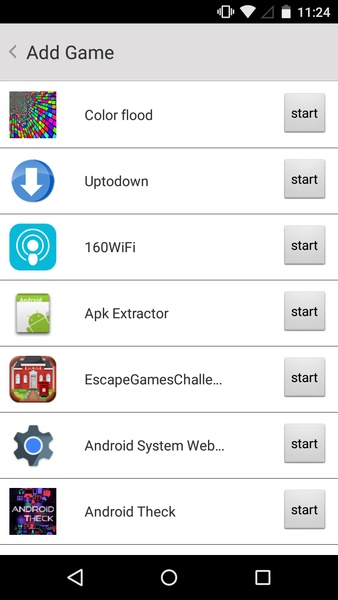
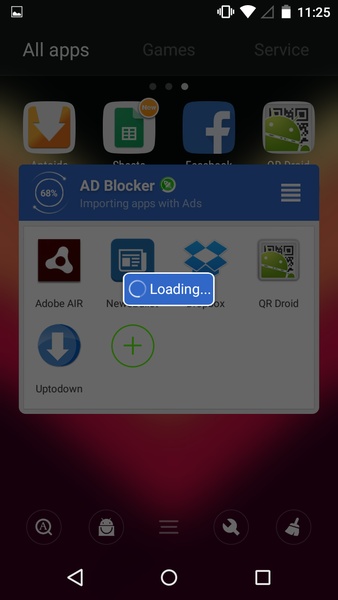
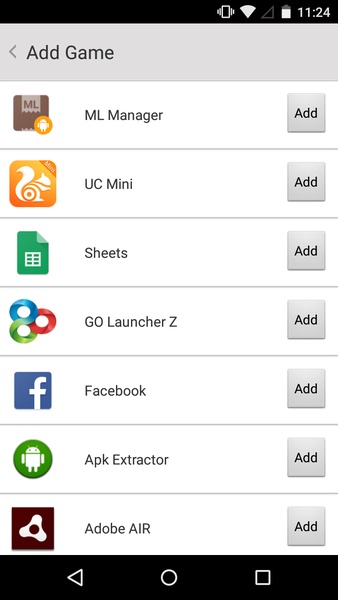
This app gives you a list of all of the apps that you have in your device memory that contain advertising. Although not all of them have invasive ads, you can find which ones you should uninstall by process of elimination. The first time you open AD Blocker, you'll see an extensive list of possible problem apps; this is normal considering practically every app has some type of advertising. In order to get rid of the most obvious ones, you just have to delete them from the list one by one.
On the other hand, if you're still in doubt after ruling out options, AD Blocker gives you the possibility to open apps directly with one click to be sure that it's that one and not a different one giving you problems. This shortcut feature could also be used to open an app more quickly without having to open the corresponding folder, all depending on how you want to use this option.
Since this tool hardly takes up any memory space, you can always keep it installed to alert you instantly if you've downloaded a new tool that is capable of invading your device with annoying pop-ups while you browse the internet, play games, or do any other activity.
This app gives you a list of all of the apps that you have in your device memory that contain advertising. Although not all of them have invasive ads, you can find which ones you should uninstall by process of elimination. The first time you open AD Blocker, you'll see an extensive list of possible problem apps; this is normal considering practically every app has some type of advertising. In order to get rid of the most obvious ones, you just have to delete them from the list one by one.
On the other hand, if you're still in doubt after ruling out options, AD Blocker gives you the possibility to open apps directly with one click to be sure that it's that one and not a different one giving you problems. This shortcut feature could also be used to open an app more quickly without having to open the corresponding folder, all depending on how you want to use this option.
Since this tool hardly takes up any memory space, you can always keep it installed to alert you instantly if you've downloaded a new tool that is capable of invading your device with annoying pop-ups while you browse the internet, play games, or do any other activity.







AD Blocker - APK Information
APK Version
130
Package Name
com.excelliance.adblock
License
Free
Op. System
Android
Category
General
Languages
English, Chinese
Developer
Excelliance Technology
Downloads
13,992
Date
Jul 31rd, 2015
Content Rating
+3


