

This is the latest version
1.1 1.8 k
1.8 k
 57.11 MB
 5.0+
5.0+
Screenshots
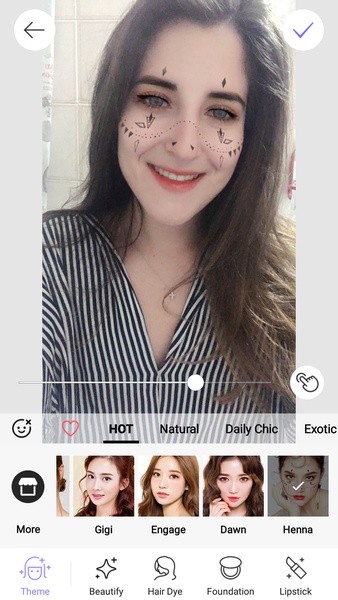
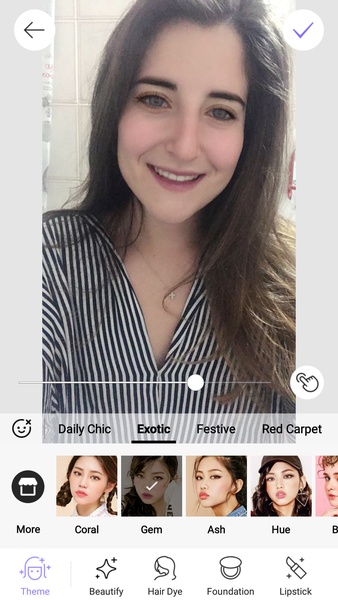
Description of BeautySelfie
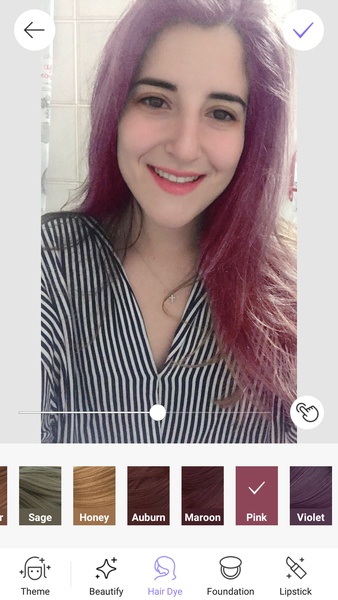
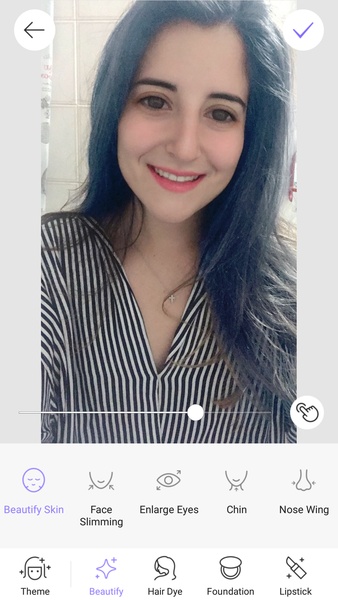
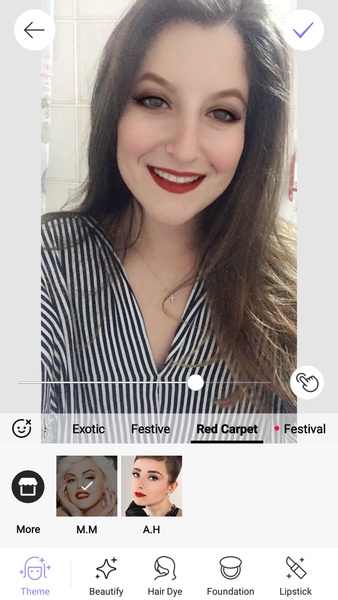
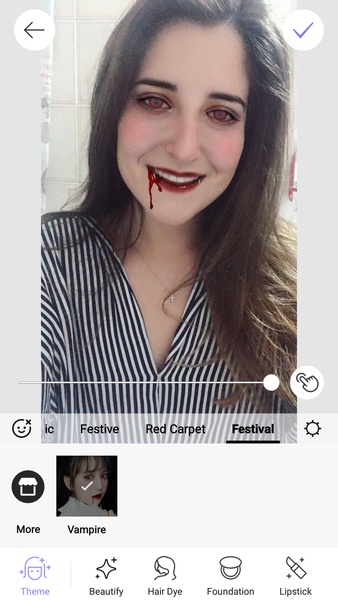
BeautySelfie is a photo editing app that lets you take different selfies which you can then edit to make your face look more beautiful and change your look without having to use makeup.
To start using the multiple filters that BeautySelfie includes, you just have to take a selfie with your smartphone’s camera or pick one from your gallery. Then, the app offers you numerous features that you can use to modify your look.
You’ll find filters to enhance your features, enlarge or diminish your eyes, change your hair color or make it shinier, tan your skin, and many others. The effects are very realistic and when you’re done editing your selfies you can share your new look through your social networks or save the images in your smartphone’s gallery.
If you want to have a great time easily changing your image, then you’ll like BeautySelfie. It includes a great interface design and interesting results using its numerous features.
To start using the multiple filters that BeautySelfie includes, you just have to take a selfie with your smartphone’s camera or pick one from your gallery. Then, the app offers you numerous features that you can use to modify your look.
You’ll find filters to enhance your features, enlarge or diminish your eyes, change your hair color or make it shinier, tan your skin, and many others. The effects are very realistic and when you’re done editing your selfies you can share your new look through your social networks or save the images in your smartphone’s gallery.
If you want to have a great time easily changing your image, then you’ll like BeautySelfie. It includes a great interface design and interesting results using its numerous features.







BeautySelfie - APK Information
APK Version
1.1
Package Name
com.beauty.selfieplus
License
Free
Op. System
Android
Category
Photography
Languages
Spanish, English, Portuguese, French, German, Italian, Chinese, Japanese, Russian, Hindi, Korean, Thai, Vietnamese
Developer
Mongolian Lab
Downloads
1,802
Date
May 2nd, 2018


