

This is the latest version
1.0.4 2 k
2 k
 5.63 MB
 5.0+
5.0+
Screenshots
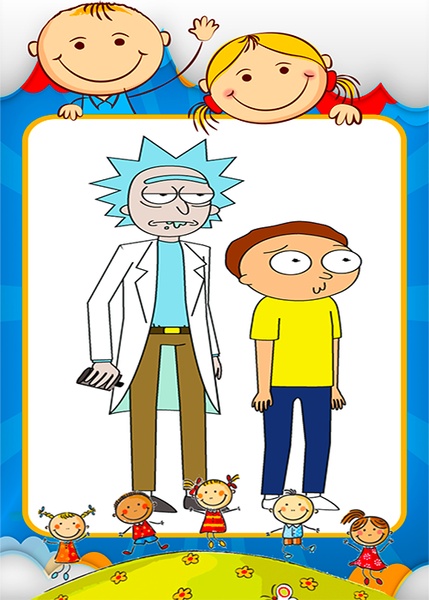
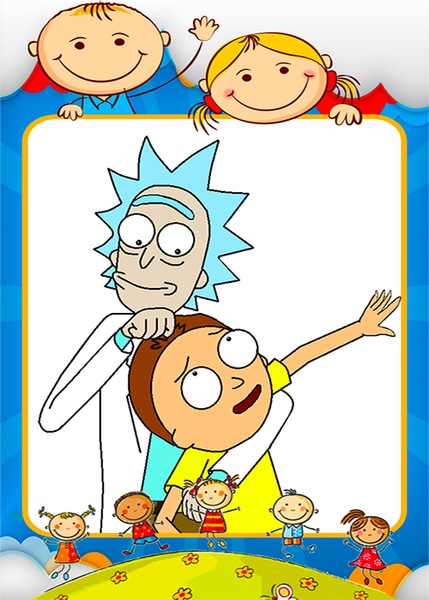
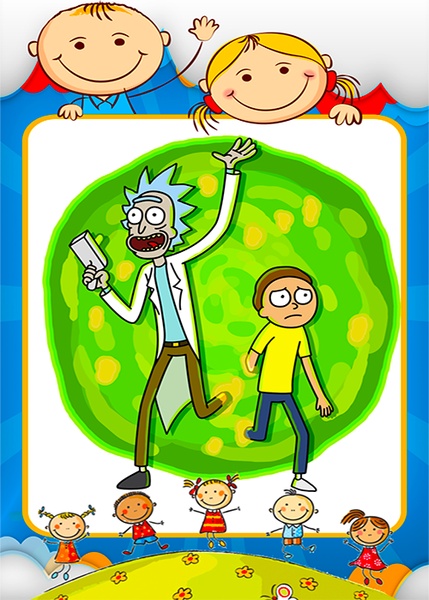
Description of Coloring Rick And Morty Games
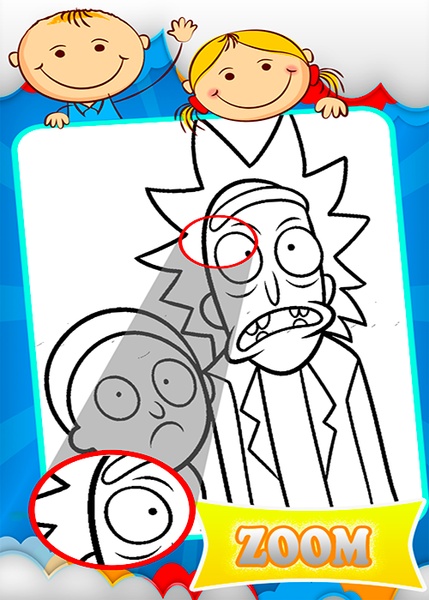
Coloring Rick And Morty Games challenges you to color these cartoon characters without coloring outside the lines and save them.
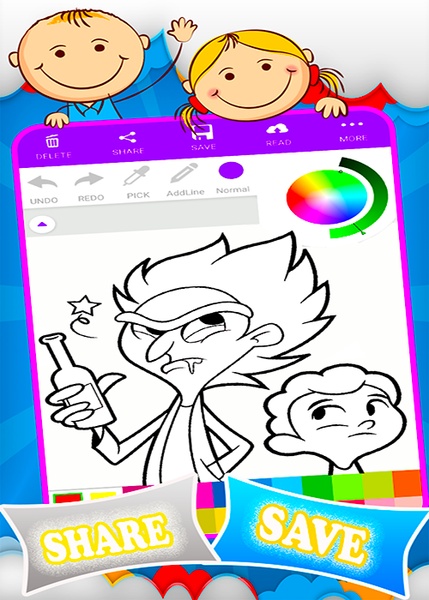
On the main menu you’ll see a folder that displays all the different images available when you open it. Once you’ve picked the drawing you want, you’ll see the different default colors on the lower part of the screen. But, the chromatic circle is going to be located on the upper right part of the screen if you want to choose a customized color.
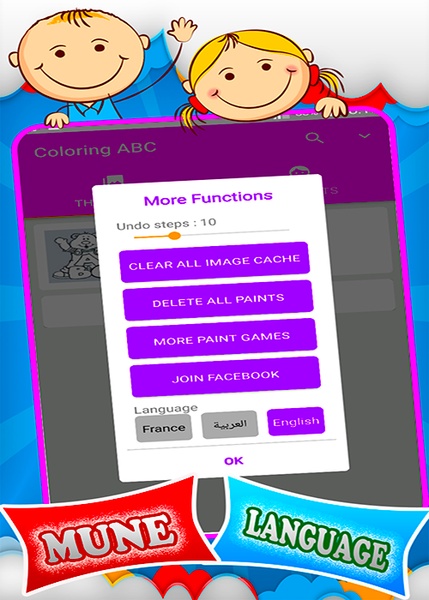
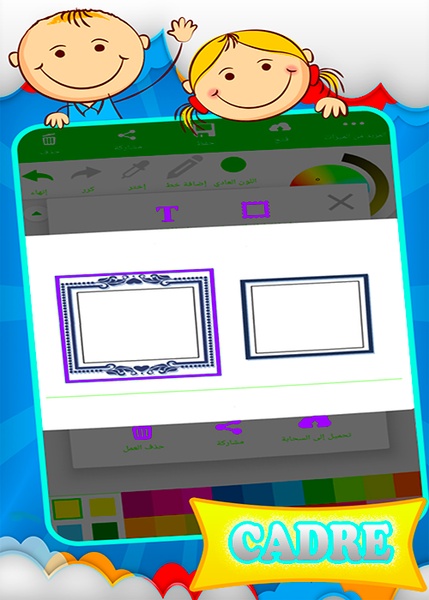
On the upper part you’ll find the button to get rid of it all, share, save and load a saved file, respectively. There’s one last button that lets you add a text and a frame. Under this tool bar you’ll find another one that lets you undo the changes, remake them, pick a color and draw (you can also color your creations).
Coloring Rick And Morty Games also includes the option of coloring an entire area uniformly or in a gradient.
On the main menu you’ll see a folder that displays all the different images available when you open it. Once you’ve picked the drawing you want, you’ll see the different default colors on the lower part of the screen. But, the chromatic circle is going to be located on the upper right part of the screen if you want to choose a customized color.
On the upper part you’ll find the button to get rid of it all, share, save and load a saved file, respectively. There’s one last button that lets you add a text and a frame. Under this tool bar you’ll find another one that lets you undo the changes, remake them, pick a color and draw (you can also color your creations).
Coloring Rick And Morty Games also includes the option of coloring an entire area uniformly or in a gradient.






Coloring Rick And Morty Games - APK Information
APK Version
1.0.4
Package Name
com.ancoloringgames.frickandmortye2018
License
Free
Op. System
Android
Category
Arcade
Languages
English
Developer
AN4Games
Downloads
2,047
Date
Jul 2nd, 2018


