

This is the latest version
2.1.2 33 k
33 k
 6.64 MB
 5.0+
5.0+
Screenshots
Description of Custom Quick Settings
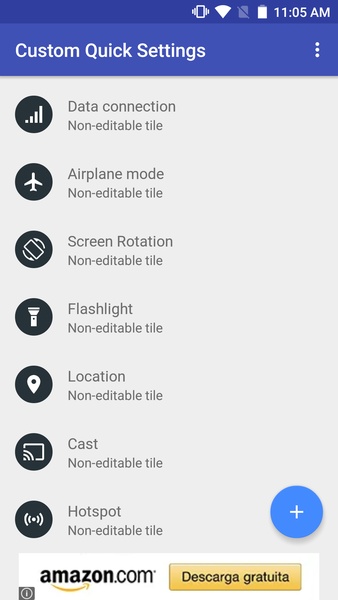
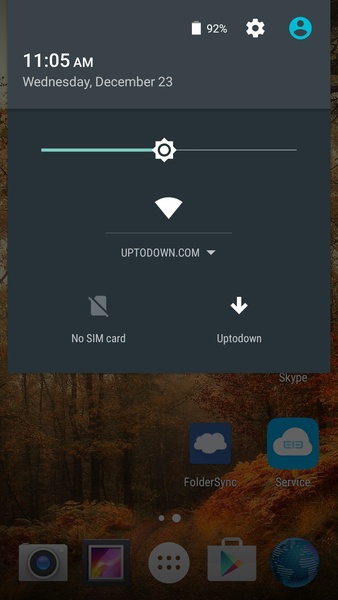
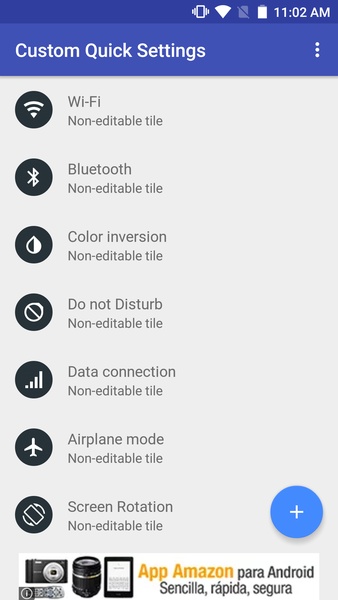
With Custom Quick Settings, you can customize the quick settings drop-down menu at the top of your Android screen, adding new shortcuts to applications or websites.
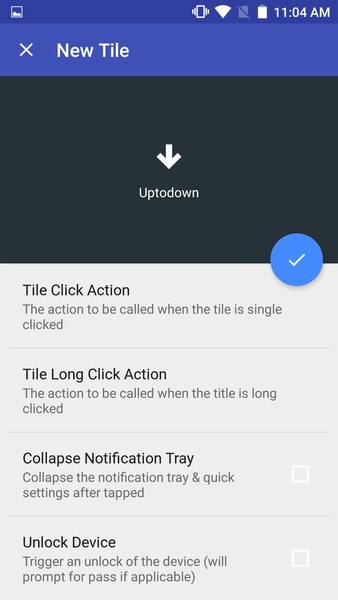
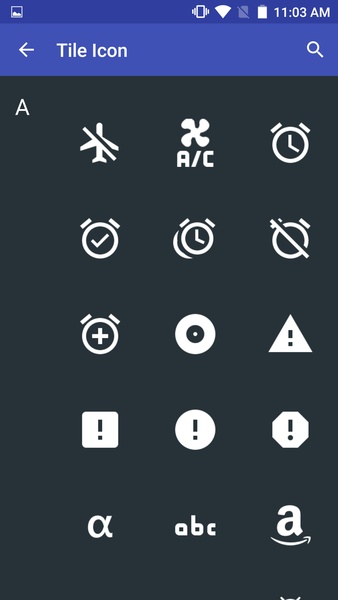
From the Custom Quick Settings interface, you can create your own shortcuts in an easy and intuitive way. First you have to choose a name for your shortcut, then the application or website that should open, and finally an icon. By default you can choose from over 100 different icons, and you can also upload your own (though this requires the premium version).
The app works perfectly on Android 6.0, but if you want to use it on Android 5.0, you'll need to have a rooted device. As for earlier versions of Android, they're not compatible.
Custom Quick Settings is an interesting way to customize your Android experience. With it, you can add shortcuts to the applications you use most often.
From the Custom Quick Settings interface, you can create your own shortcuts in an easy and intuitive way. First you have to choose a name for your shortcut, then the application or website that should open, and finally an icon. By default you can choose from over 100 different icons, and you can also upload your own (though this requires the premium version).
The app works perfectly on Android 6.0, but if you want to use it on Android 5.0, you'll need to have a rooted device. As for earlier versions of Android, they're not compatible.
Custom Quick Settings is an interesting way to customize your Android experience. With it, you can add shortcuts to the applications you use most often.







Custom Quick Settings - APK Information
APK Version
2.1.2
Package Name
com.quinny898.app.customquicksettings
License
Free
Op. System
Android
Category
General
Languages
Czech, English, Spanish
Developer
Mighty Quinn Apps
Downloads
33,032
Date
Sep 4th, 2017
Content Rating
+3


