

This is the latest version
1.0 2.7 k
2.7 k
 3.24 MB
 5.0+
5.0+
Screenshots
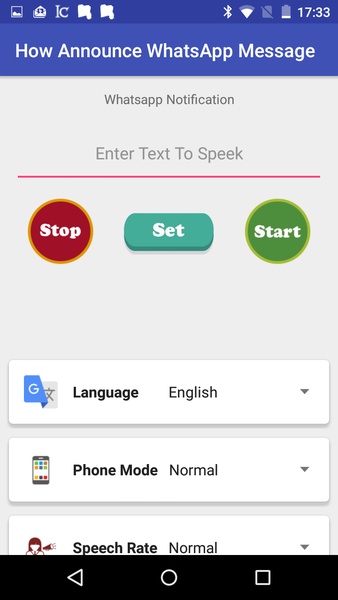
Description of How Announce WhatsApp Message
How Announce WhatsApp Message is an app that helps you customize the WhatsApp notifications you receive on your smartphone.
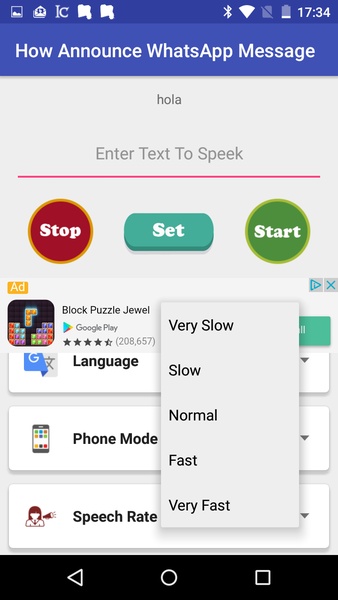
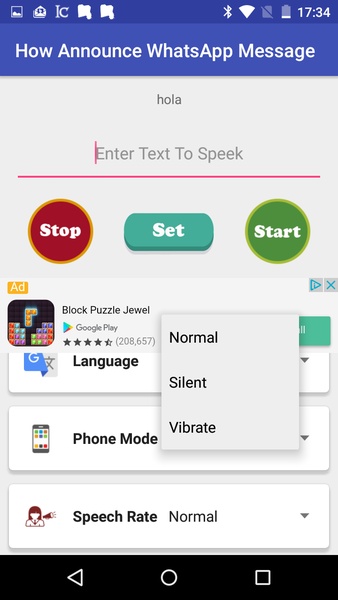
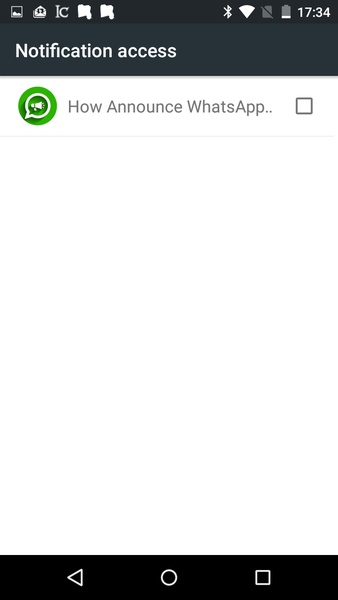
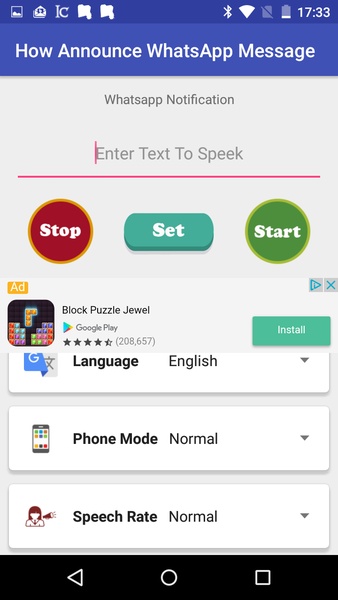
With How Announce WhatsApp Message you don’t have to worry about checking your smartphone every time it vibrates or rings because the app tells you who sent you a message, out loud. How Announce WhatsApp Message works like this: you first have to configure the language you prefer, then the volume of the notifications and the key words you want to use for your notifications. Then, you have to access the control panel and activate the app as a notification system.
Once you’ve done all that, How Announce WhatsApp Message will notify you when you receive a WhatsApp message, so you can decide if you want to check the message at that moment or wait until later.
Forget about having to constantly check your messages on your smartphone with How Announce WhatsApp Message.
With How Announce WhatsApp Message you don’t have to worry about checking your smartphone every time it vibrates or rings because the app tells you who sent you a message, out loud. How Announce WhatsApp Message works like this: you first have to configure the language you prefer, then the volume of the notifications and the key words you want to use for your notifications. Then, you have to access the control panel and activate the app as a notification system.
Once you’ve done all that, How Announce WhatsApp Message will notify you when you receive a WhatsApp message, so you can decide if you want to check the message at that moment or wait until later.
Forget about having to constantly check your messages on your smartphone with How Announce WhatsApp Message.







How Announce WhatsApp Message - APK Information
APK Version
1.0
Package Name
com.upt.howannouncewhatsappmessage
License
Free
Op. System
Android
Category
Funny
Languages
English
Developer
Free Music -
Downloads
2,741
Date
Oct 25th, 2017


