

This is the latest version
1.4 9.2 k
9.2 k
 11.55 MB
 5.0+
5.0+
Screenshots
Description of MP3 Converter - video MP3 Converter
MP3 Converter - video MP3 Converter is an app that lets you create videos, GIFs, images or audio files using the documents you have in your multimedia gallery.
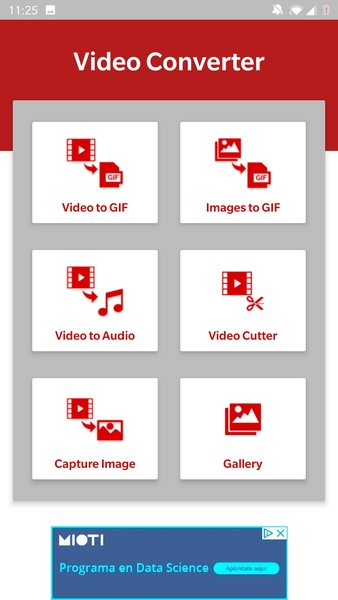
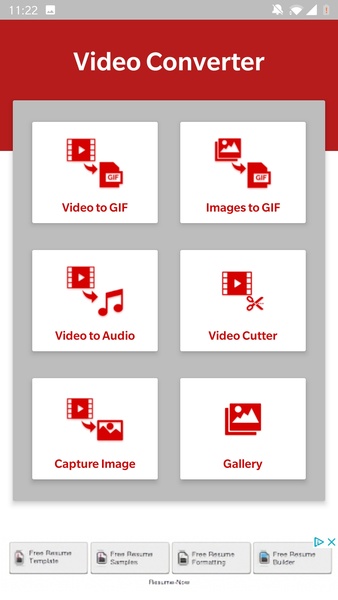
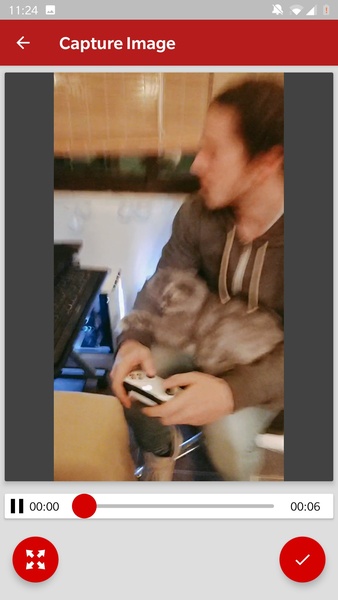
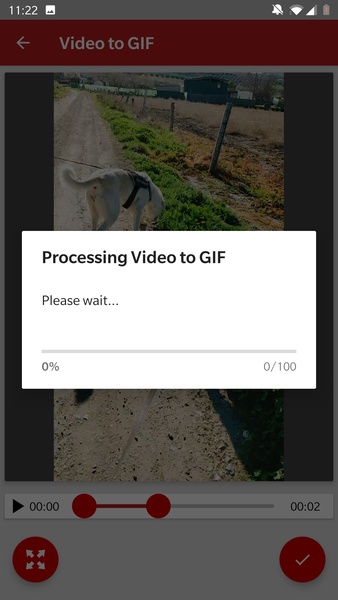
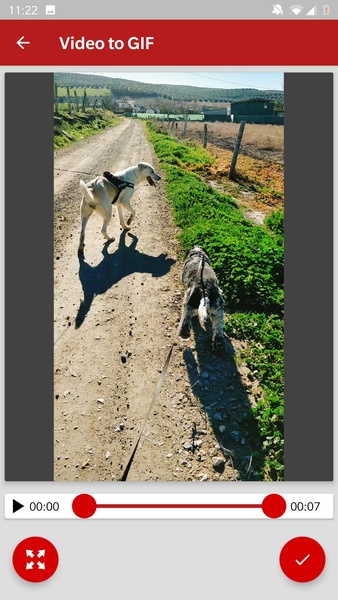
This app offers a total of six different functions: convert a video to a GIF, convert a group of images to a GIF, take a frame from a video and convert it to an image, extract audio from video and trim video. After choosing the feature you want to use, all you have to do is access your media gallery and select the file you're going to work with in MP3 Converter - video MP3 Converter.
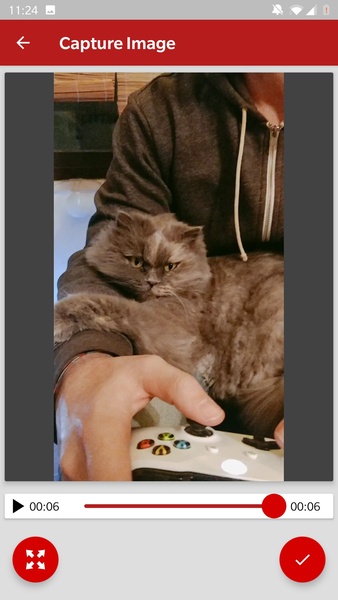
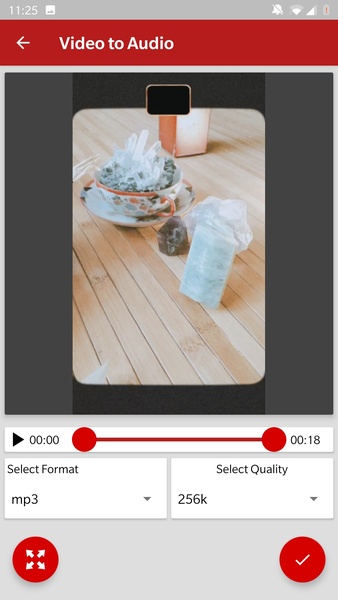
If what you want to do is convert a video into a GIF, all you have to do is select the fragment of the video you want to convert and tap accept. On the other hand, if you want to get an image from a video, you just have to determine the frame you want to extract and that's it. In the case of the videos you want to extract the audio from, it's as simple as choosing the video or the fragment of it and hitting accept. As you can see, this is a very straightforward and intuitive app, that does exactly what it promises without any kind of problem.
Get much more out of your videos and photos with this easy-to-use file converter.
This app offers a total of six different functions: convert a video to a GIF, convert a group of images to a GIF, take a frame from a video and convert it to an image, extract audio from video and trim video. After choosing the feature you want to use, all you have to do is access your media gallery and select the file you're going to work with in MP3 Converter - video MP3 Converter.
If what you want to do is convert a video into a GIF, all you have to do is select the fragment of the video you want to convert and tap accept. On the other hand, if you want to get an image from a video, you just have to determine the frame you want to extract and that's it. In the case of the videos you want to extract the audio from, it's as simple as choosing the video or the fragment of it and hitting accept. As you can see, this is a very straightforward and intuitive app, that does exactly what it promises without any kind of problem.
Get much more out of your videos and photos with this easy-to-use file converter.







MP3 Converter - video MP3 Converter - APK Information
APK Version
1.4
Package Name
com.converter.video.to.mp3.simdev
License
Free
Op. System
Android
Category
Audio
Languages
English
Developer
Android
Downloads
9,234
Date
Jan 8th, 2020
Content Rating
+3


