

This is the latest version
2.9 6.3 k
6.3 k

 5.0+
5.0+
Screenshots
Description of Photo Overlays Blender
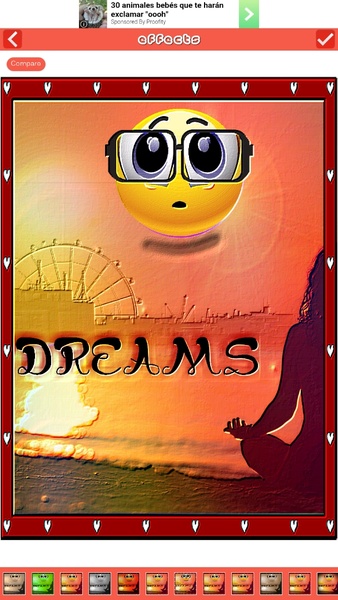
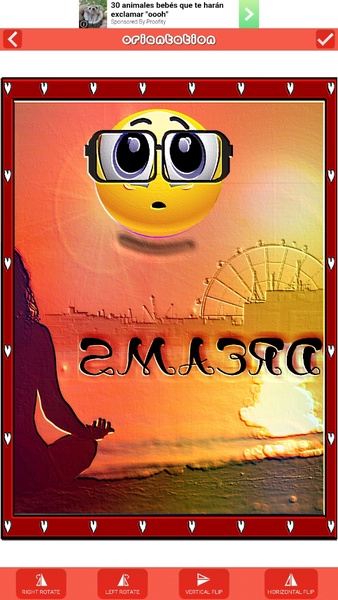
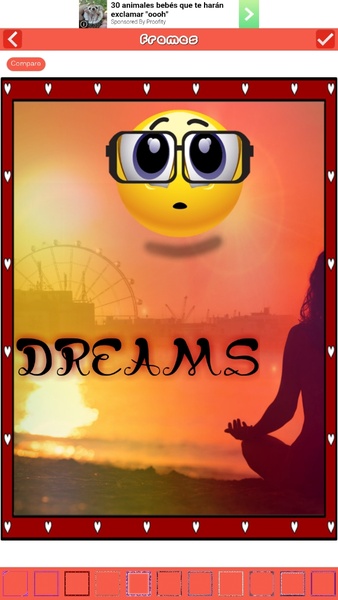
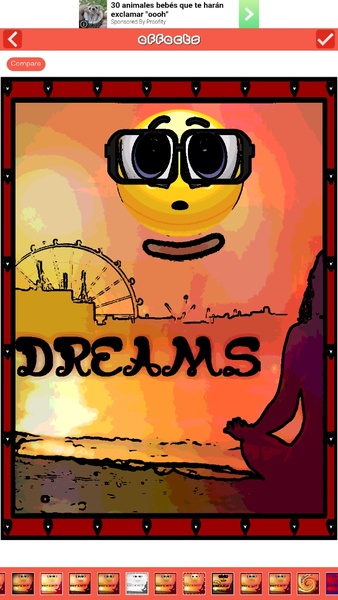
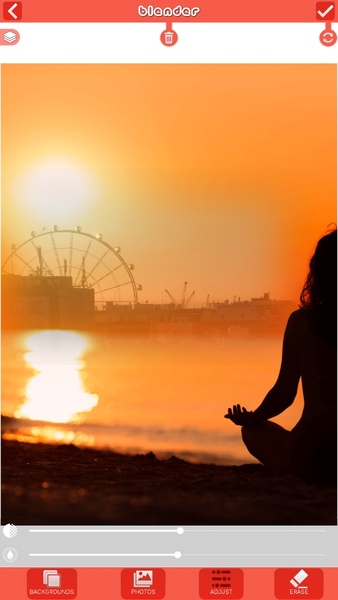
Photo Overlays Blender is a tool for transforming normal pictures into artwork.
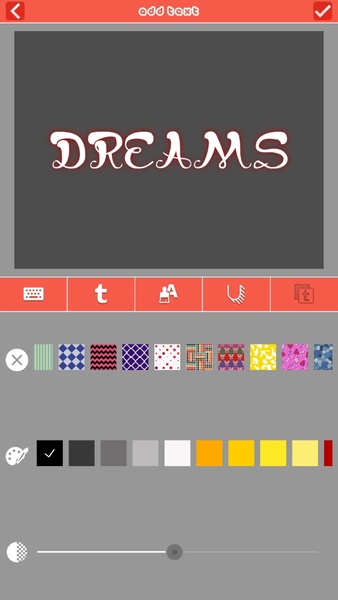
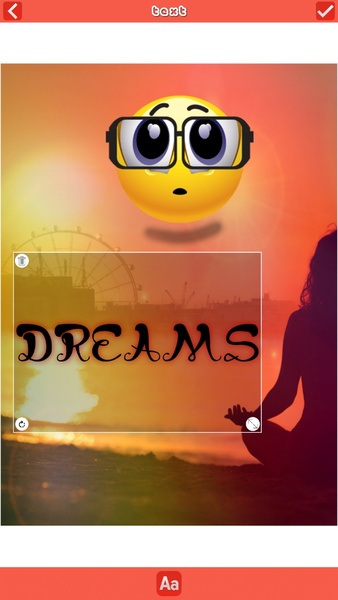
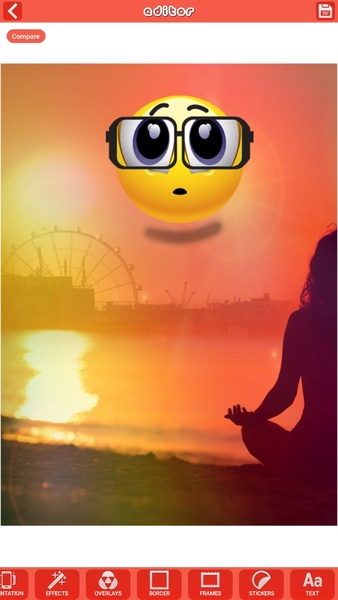
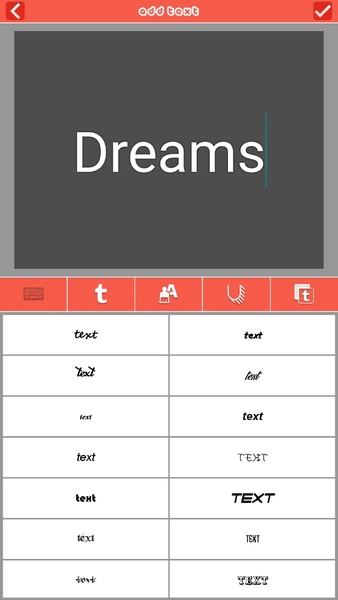
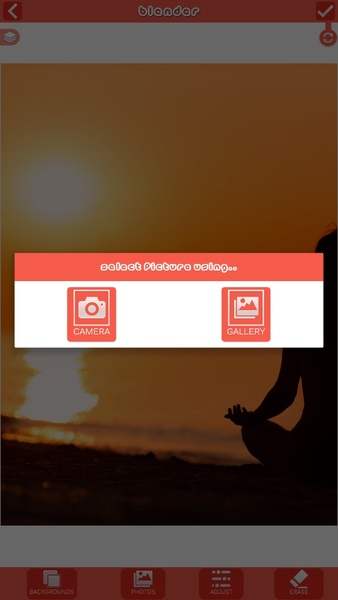
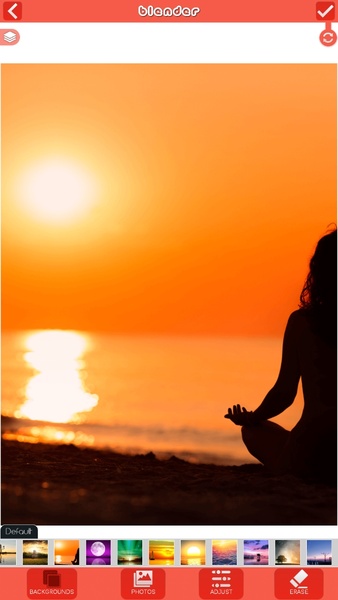
All you need to do is choose a photo that you like and a background picture so that the app can gradually integrate your photo into the background picture. Once both are integrated together you can't see the borders or distinguish when one ends and the other picture starts. Then you can add some text to your collage, along with fun stickers, frames, light effects and much more.
To view all of your creations just tap the bottom left side of your smartphone screen and open the 'creations' section. On the other hand, you can tap the bottom right side of your device to access the community photo board and see awesome creations.
When you've finished your artwork you can post it in the Photo Overlays Blender community. Become an influencer within the app community sharing awesome pictures.
All you need to do is choose a photo that you like and a background picture so that the app can gradually integrate your photo into the background picture. Once both are integrated together you can't see the borders or distinguish when one ends and the other picture starts. Then you can add some text to your collage, along with fun stickers, frames, light effects and much more.
To view all of your creations just tap the bottom left side of your smartphone screen and open the 'creations' section. On the other hand, you can tap the bottom right side of your device to access the community photo board and see awesome creations.
When you've finished your artwork you can post it in the Photo Overlays Blender community. Become an influencer within the app community sharing awesome pictures.







Photo Overlays Blender - APK Information
APK Version
2.9
Package Name
com.topfreeapps.photoblender
License
Free
Op. System
Android
Category
Photography
Languages
Arabic, Dutch, English, French, Hindi, Polish, Portuguese, Romanian, Russian, Spanish, Thai, Turkish, Ukrainian
Developer
Z Mobile Apps
Downloads
6,345
Date
Nov 12th, 2020
Content Rating
+3


