
This is the latest version
2.6.2 3.8 k
3.8 k
 56.98 MB
 5.0+
5.0+
Screenshots
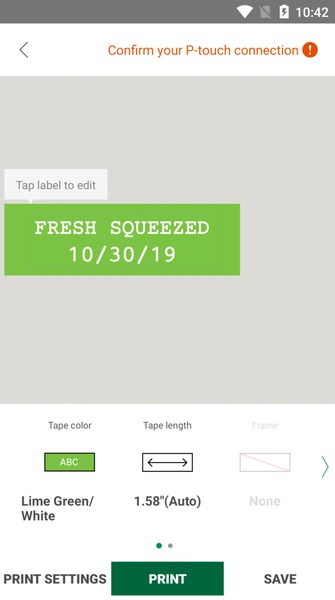
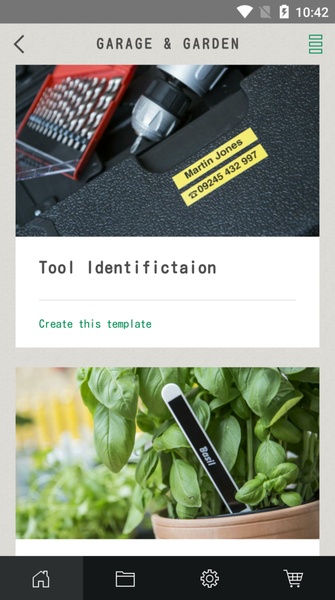
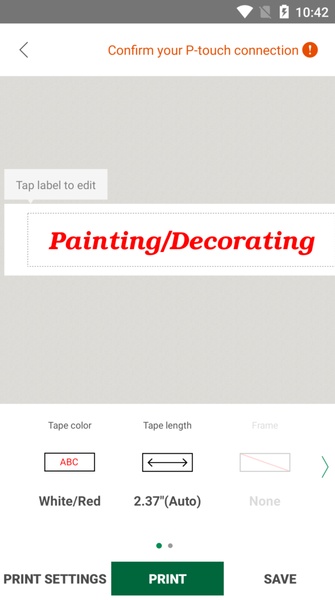
Description of PT-Design&Print
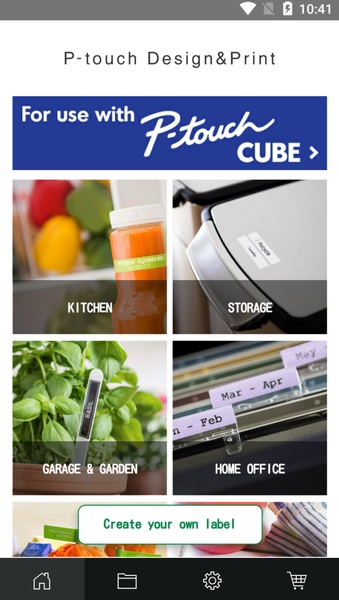
Use the Brother P-touch app to create and print tons of labels with any specialized Brother printer. Thanks to the wide variety of templates, making these useful stickers is easy.
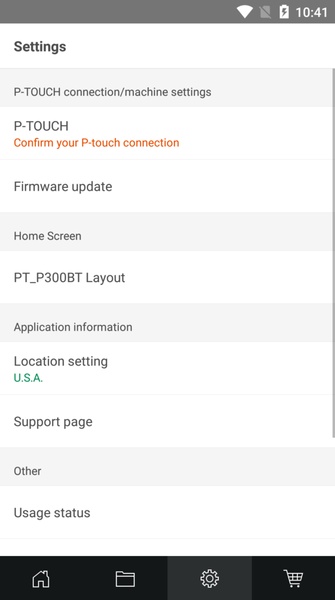
First, to make a label, select the printer that you want to use. It only takes a few seconds to connect your smartphone to the printer.
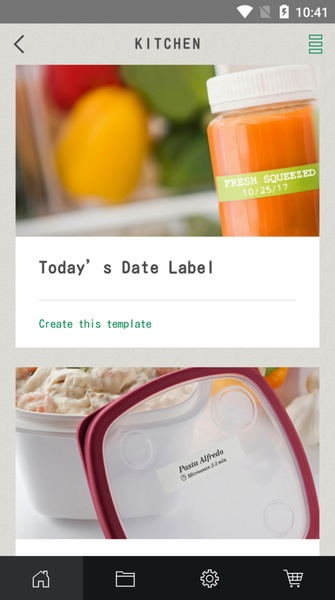
Then, simply enter the text that you want to appear on your label into any of the many templates in the sticker editor. You can also modify the aspect ratio so that your label comes out looking perfect when you print it.
Designing and printing labels with just one tool is a breeze with Brother P-touch. Keep in mind that you need a Brother printer capable of printing the labels that you design on your smartphone to use this app.
First, to make a label, select the printer that you want to use. It only takes a few seconds to connect your smartphone to the printer.
Then, simply enter the text that you want to appear on your label into any of the many templates in the sticker editor. You can also modify the aspect ratio so that your label comes out looking perfect when you print it.
Designing and printing labels with just one tool is a breeze with Brother P-touch. Keep in mind that you need a Brother printer capable of printing the labels that you design on your smartphone to use this app.







PT-Design&Print - APK Information
APK Version
2.6.2
Package Name
com.brother.ptouch.designandprint
License
Free
Op. System
Android
Category
General
Languages
Afrikaans, Amharic, Arabic, Armenian, Belarusian, Bulgarian, Catalan, Chinese, Croatian, Czech, Danish, Dutch, English, Estonian, Farsi, Finnish, French, German, Greek, Hebrew, Hindi, Hungarian, Icelandic, Italian, Japanese, Kazakh, Korean, Latvian, Lithuanian, Malay, Polish, Portuguese, Romanian, Russian, Serbian, Slovak, Slovenian, Spanish, Swahili, Swedish, Tagalog, Thai, Turkish, Ukrainian, Vietnamese, Zulu
Developer
Brother Industries, Ltd.
Downloads
3,802
Date
Sep 29th, 2021
Content Rating
+3


