

This is the latest version
7.8.0 27 k
27 k
 11.79 MB
 5.0+
5.0+
Screenshots
Description of Shortcutter - Quick Settings
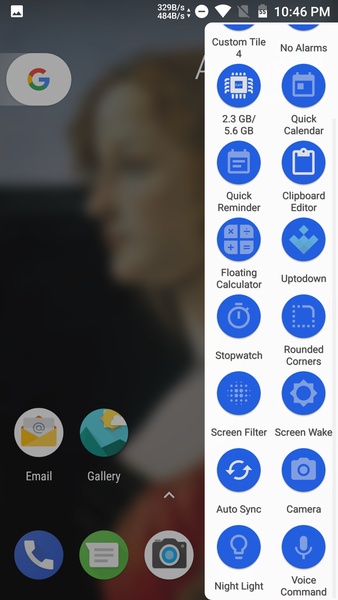
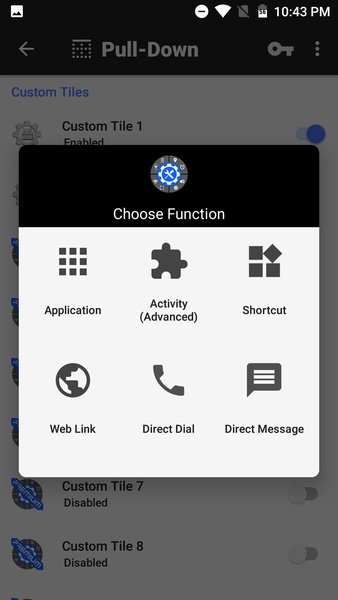
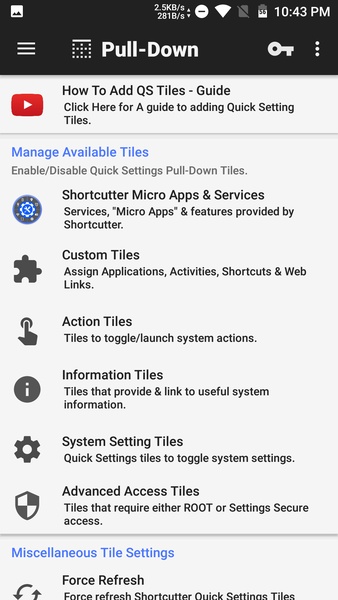
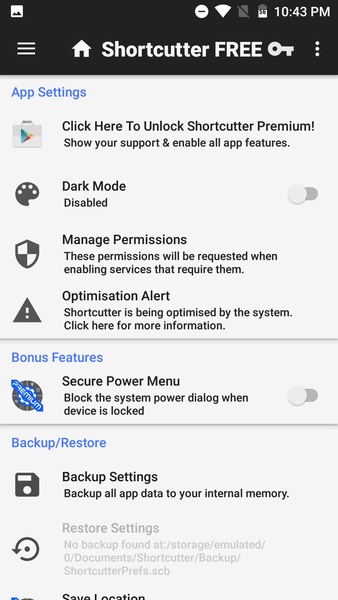
The app Shortcutter - Quick Settings can add dozens of shortcuts and links to your Android device, that you can access by simply swiping down or to the side from the home screen.
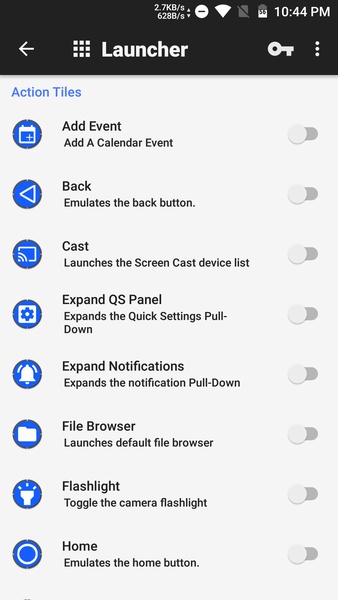
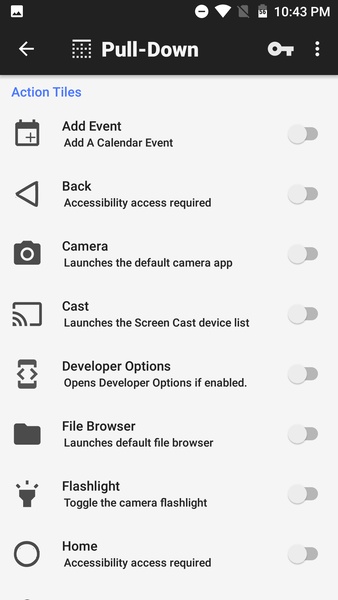
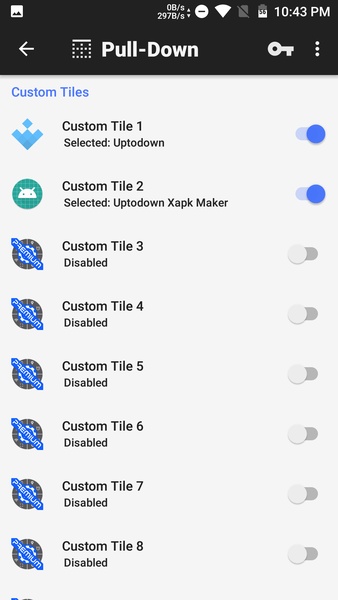
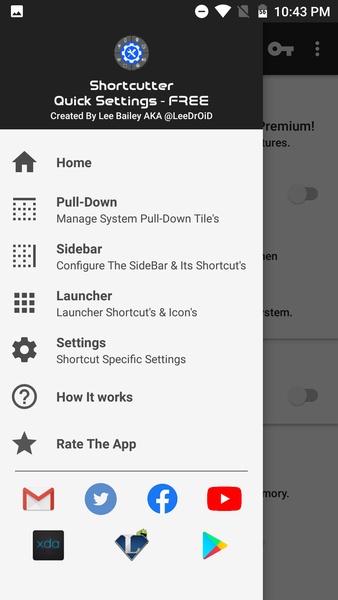
From the app's options menu, users can customize each shortcut, and choose whether the toolbox appears from the left, right, or bottom of the screen. This app has loads of shortcuts you can add to the toolbox so you can quickly find your most-used apps.
In total, there are more than eighty different tiles to add to the toolbox or notifications bar that you can use to easily organize all your often used apps. Not only that, but you can easily remove any shortcuts you don't use.
Overall, Shortcutter - Quick Settings is an excellent personalization tool for Android. Although it takes a few minutes to set up, it's well worth the effort. Try Shortcutter - Quick Settings and easily find all your favorite apps!
From the app's options menu, users can customize each shortcut, and choose whether the toolbox appears from the left, right, or bottom of the screen. This app has loads of shortcuts you can add to the toolbox so you can quickly find your most-used apps.
In total, there are more than eighty different tiles to add to the toolbox or notifications bar that you can use to easily organize all your often used apps. Not only that, but you can easily remove any shortcuts you don't use.
Overall, Shortcutter - Quick Settings is an excellent personalization tool for Android. Although it takes a few minutes to set up, it's well worth the effort. Try Shortcutter - Quick Settings and easily find all your favorite apps!







Shortcutter - Quick Settings - APK Information
APK Version
7.8.0
Package Name
com.leedroid.shortcutter
License
Free
Op. System
Android
Category
Personalization
Languages
English, Farsi, German, Polish, Portuguese, Russian, Spanish, Turkish
Developer
LeeDrOiD
Downloads
27,010
Date
Dec 15th, 2020
Content Rating
+3


