

This is the latest version
1.4.5 2.9 k
2.9 k
 3.25 MB
 5.0+
5.0+
Screenshots
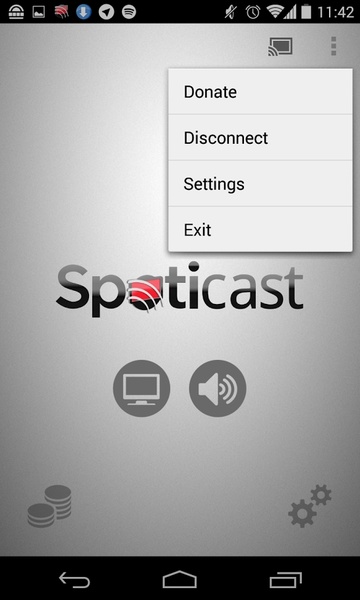
Description of Spoticast
Spoticast is a very simple app that lets you play your Spotify music on a device that's connected to a Chromecast.
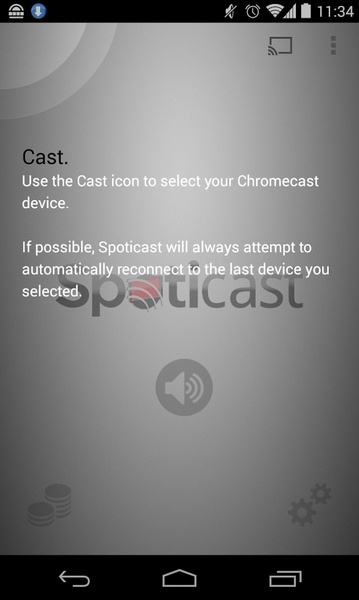
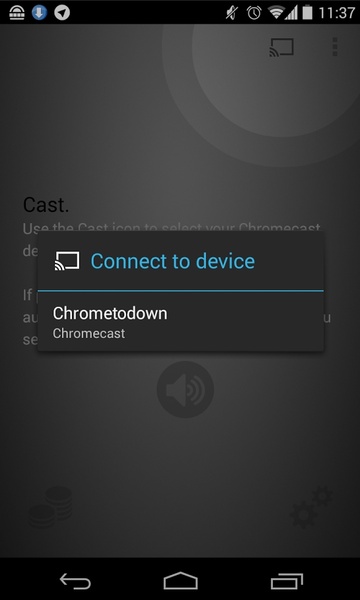
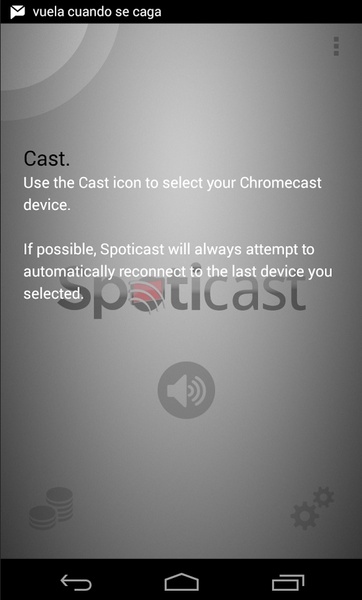
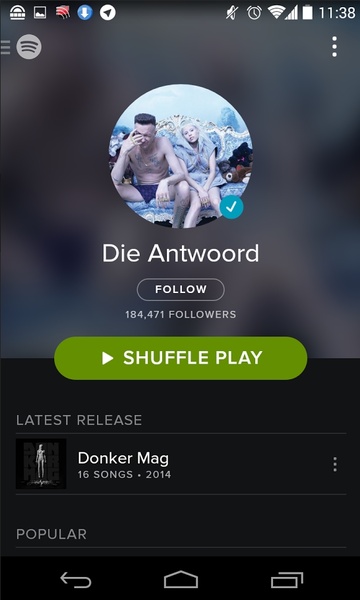
Using Spoticast is really simple: you just have to enable the option to play Spotify with other apps from the settings menu, restart your Android, and select the Chromecast you want to use. From then on, you can send all your music from the Spotify interface to the TV where the Chromecast is connected.
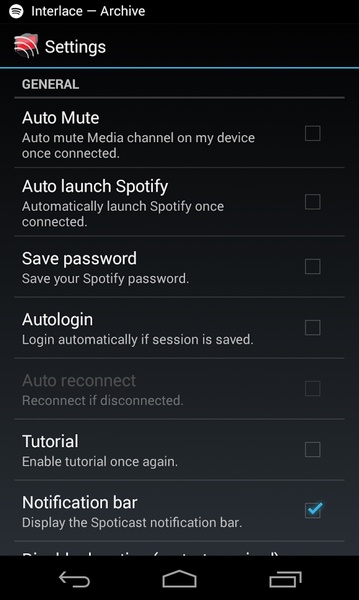
The few settings on Spoticast let you hide the notifications bar, save your Spotify password, and automatically connect each time you launch the application. Settings, in short, aimed at letting you play your music faster.
Spoticast is a simple but very effective application to play your Spotify music on your home TV. The best thing about it is that it is really easy to do, and you can do it from your Android.
Using Spoticast is really simple: you just have to enable the option to play Spotify with other apps from the settings menu, restart your Android, and select the Chromecast you want to use. From then on, you can send all your music from the Spotify interface to the TV where the Chromecast is connected.
The few settings on Spoticast let you hide the notifications bar, save your Spotify password, and automatically connect each time you launch the application. Settings, in short, aimed at letting you play your music faster.
Spoticast is a simple but very effective application to play your Spotify music on your home TV. The best thing about it is that it is really easy to do, and you can do it from your Android.







Spoticast - APK Information
APK Version
1.4.5
Package Name
com.nop.spoticast
License
Free
Op. System
Android
Category
Audio
Languages
Spanish, English, Portuguese, French, German, Italian, Chinese, Japanese, Arabic, Russian, Dutch, Polish, Czech, Danish, Finnish, Greek, Hindi, Korean, Norwegian, Swedish, Turkish, Catalan, Hungarian, Thai, Malay, Vietnamese, Romanian, Slovenian, Farsi, Afrikaans, Bulgarian, Slovak, Ukrainian, Tagalog, Amharic, Croatian, Serbian, Estonian, Lithuanian, Zulu, Latvian, Hebrew, Swahili, Armenian, Icelandic
Developer
NOP Developments
Downloads
2,914
Date
Apr 7th, 2015
Content Rating
+3


