

This is the latest version
1.8.11 41.2 k
 9.52 MB
 5.0+
5.0+
Screenshots
Description of The Cleaner
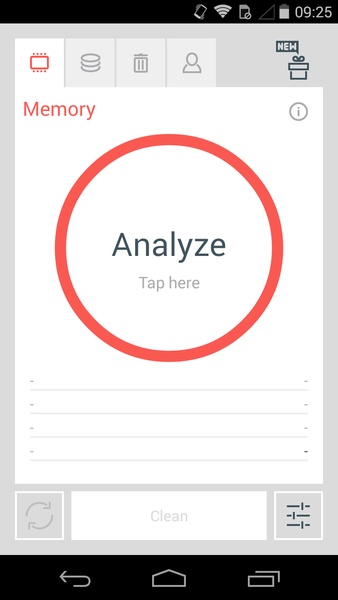
The Cleaner for Android lets you delete all the trash on your device, freeing up space and improving its performance. The interface is divided in four tabs to make using it easier: memory, storage, applications, and conversations. All of them are activated individually, so you can scan only what you want.
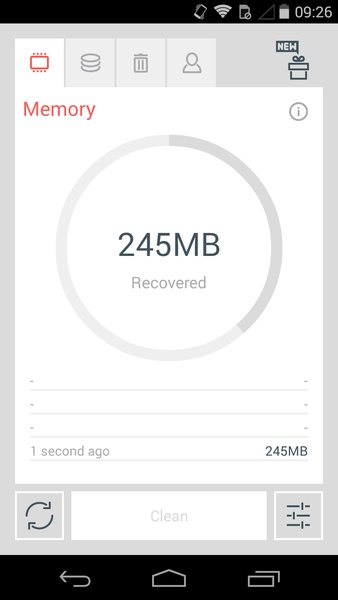
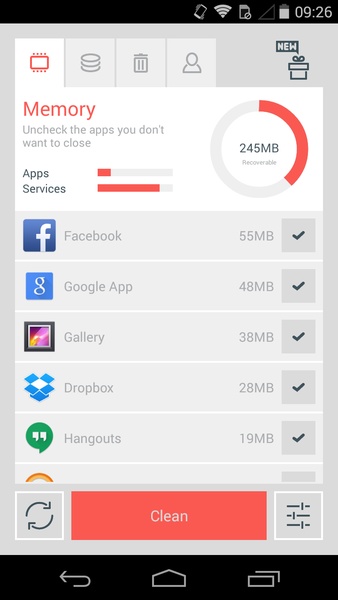
With the memory tab, you can kill background processes and save RAM to avoid other apps from running slower. You can see the resources being used, and you just have to select the apps and services that you don't need in order to stop them. After a few seconds, the app tells you how much space and the percentage of RAM you recovered.
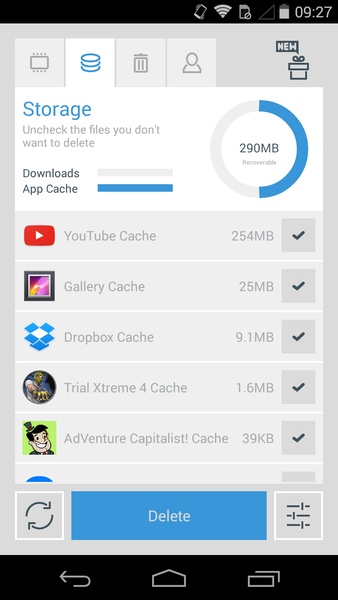
The storage tab frees up space in the cache of all the apps that you use daily, like the APKs that are left from installing a program and other files you don't need, like temporary ones. By using this feature daily, you can keep your device clean and fast.
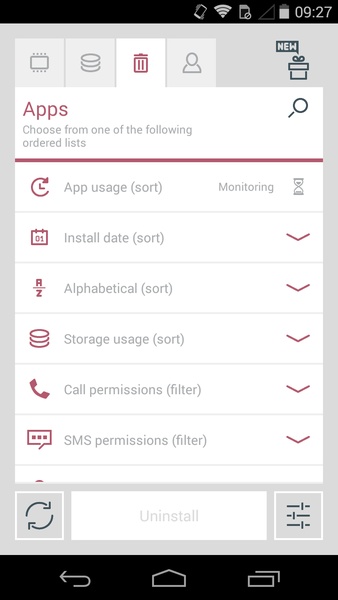
The third feature in The Cleaner lets you manage all the applications installed on your device. You can uninstall them by the batch in a really simple way. All of the apps can be organized in a few ways: by installation date, alphabetically, memory use, phone permissions, SMS permissions, from contacts, from the camera, or from other locations. You just have to select those you want to delete and press the 'Uninstall' button.
The last tab, conversations, shows all the messages you've had with a specific contact, letting you delete the message history from all the apps.
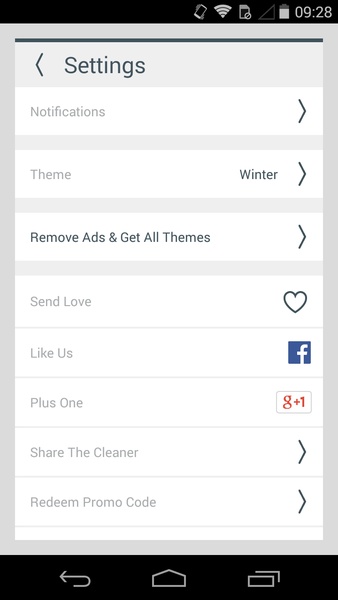
Even though The Cleaner might seem identical to similar apps, it has an extra feature that lets you schedule automatic processes so you don't have to remember to do it manually. It also lets you use different themes and customize them to your liking, giving you full control over your device.
With the memory tab, you can kill background processes and save RAM to avoid other apps from running slower. You can see the resources being used, and you just have to select the apps and services that you don't need in order to stop them. After a few seconds, the app tells you how much space and the percentage of RAM you recovered.
The storage tab frees up space in the cache of all the apps that you use daily, like the APKs that are left from installing a program and other files you don't need, like temporary ones. By using this feature daily, you can keep your device clean and fast.
The third feature in The Cleaner lets you manage all the applications installed on your device. You can uninstall them by the batch in a really simple way. All of the apps can be organized in a few ways: by installation date, alphabetically, memory use, phone permissions, SMS permissions, from contacts, from the camera, or from other locations. You just have to select those you want to delete and press the 'Uninstall' button.
The last tab, conversations, shows all the messages you've had with a specific contact, letting you delete the message history from all the apps.
Even though The Cleaner might seem identical to similar apps, it has an extra feature that lets you schedule automatic processes so you don't have to remember to do it manually. It also lets you use different themes and customize them to your liking, giving you full control over your device.







The Cleaner - APK Information
APK Version
1.8.11
Package Name
com.liquidum.thecleaner
License
Free
Op. System
Android
Category
Security/Performance
Languages
Afrikaans, Amharic, Arabic, Armenian, Belarusian, Bulgarian, Catalan, Chinese, Croatian, Czech, Danish, Dutch, English, Estonian, Farsi, Finnish, French, German, Greek, Hebrew, Hindi, Hungarian, Icelandic, Indonesian, Italian, Japanese, Kazakh, Korean, Latvian, Lithuanian, Malay, Polish, Portuguese, Romanian, Russian, Serbian, Slovak, Slovenian, Spanish, Swahili, Swedish, Tagalog, Thai, Turkish, Ukrainian, Vietnamese, Zulu
Developer
Liquidum Limited
Downloads
41,242
Date
Dec 24th, 2018
Content Rating
+3


