

This is the latest version
1.0.1 1.4 k
 2.53 MB
 5.0+
Screenshots
Description of Wi-File Manager
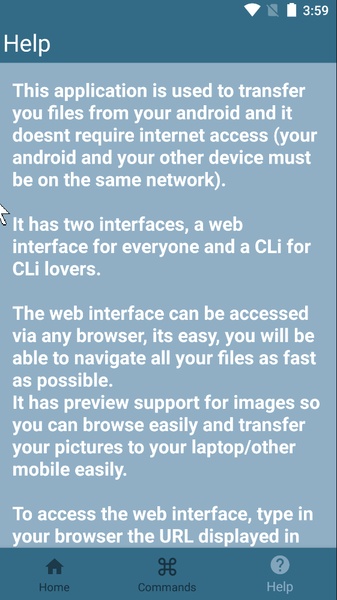
Many times you need to share certain files stored in your Android smartphone directly into your computer. If you don’t have a Bluetooth connection or it’s limited for any reason, Wi-File Manager lets you perform this exchange through your WiFi connection.
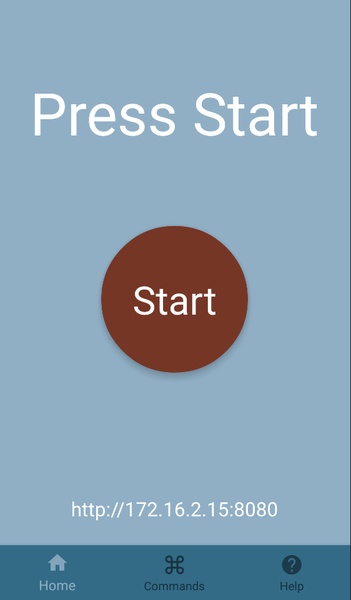
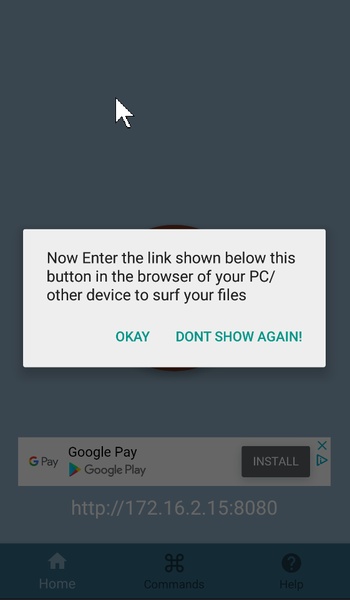
In order to make the exchange of the files, you just have to link your smartphone and computer through the same IP address. That way, on the main screen of Wi-File Manager you’ll see the URL that you have to enter on the PC browser in order to establish the correct connection.
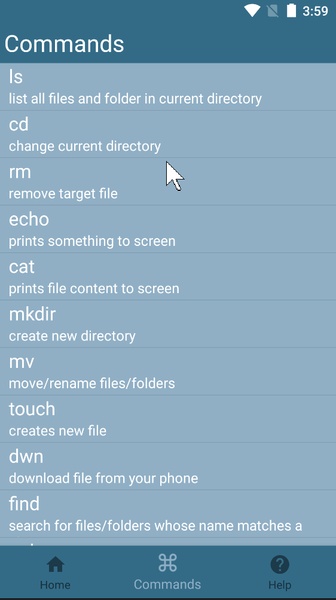
Once you’ve got both devices connected, you just have to click on the start button and use the different commands that the app will specify in order to start exchanging the information you want.
Wi-File Manager is a really great option if you want to exchange files or heavy folders between your smartphone and your computer. You just have to perform a quick connection between the two systems.
In order to make the exchange of the files, you just have to link your smartphone and computer through the same IP address. That way, on the main screen of Wi-File Manager you’ll see the URL that you have to enter on the PC browser in order to establish the correct connection.
Once you’ve got both devices connected, you just have to click on the start button and use the different commands that the app will specify in order to start exchanging the information you want.
Wi-File Manager is a really great option if you want to exchange files or heavy folders between your smartphone and your computer. You just have to perform a quick connection between the two systems.







Wi-File Manager - APK Information
APK Version
1.0.1
Package Name
com.tony.wi_filemanager
License
Free
Op. System
Android
Category
File Management
Languages
English
Developer
Tony Abou Zaidan
Downloads
1,417
Date
Oct 16th, 2018
Content Rating
All ages


