 Rafael Weiss ( Androind Engineer )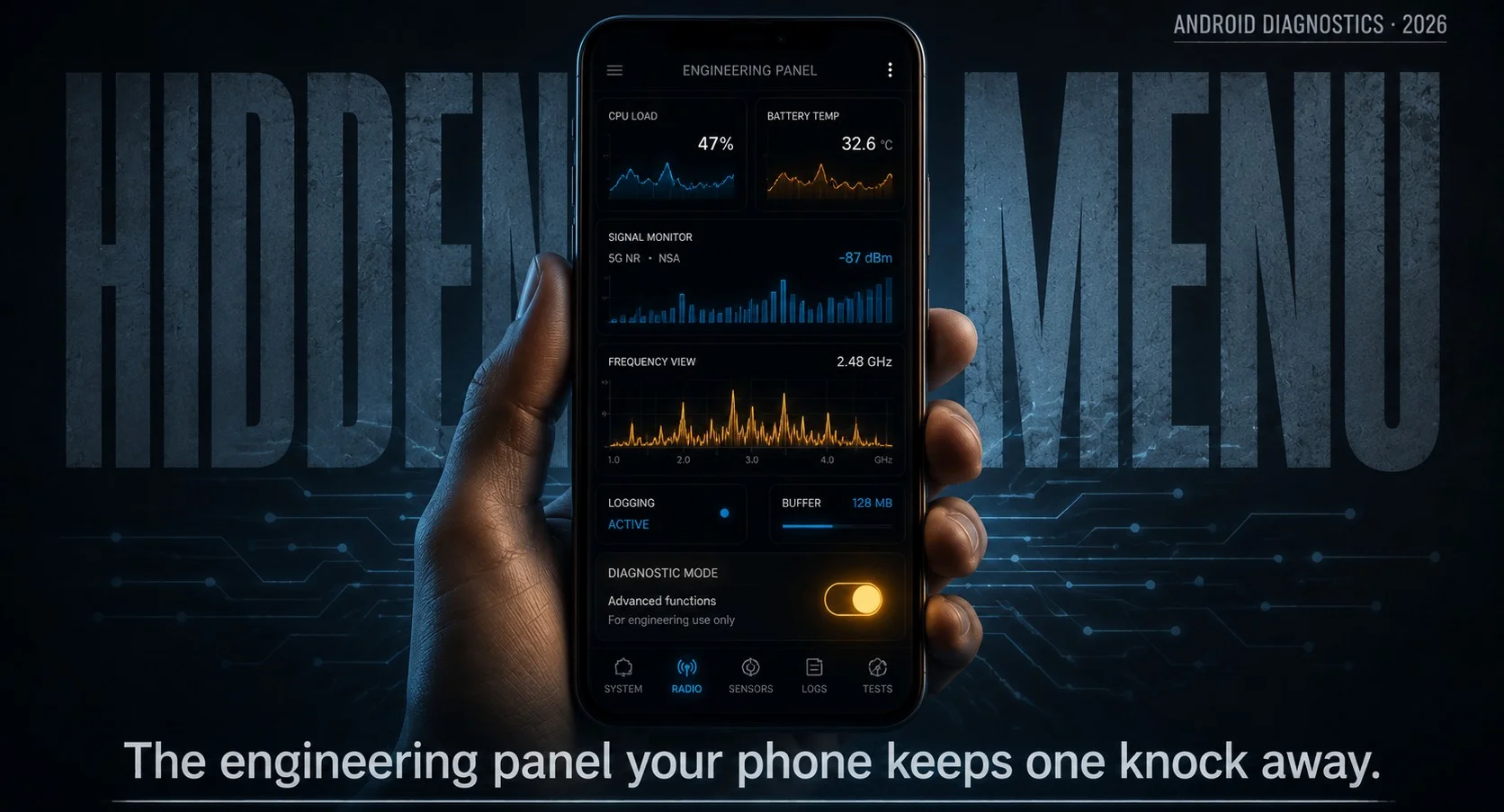
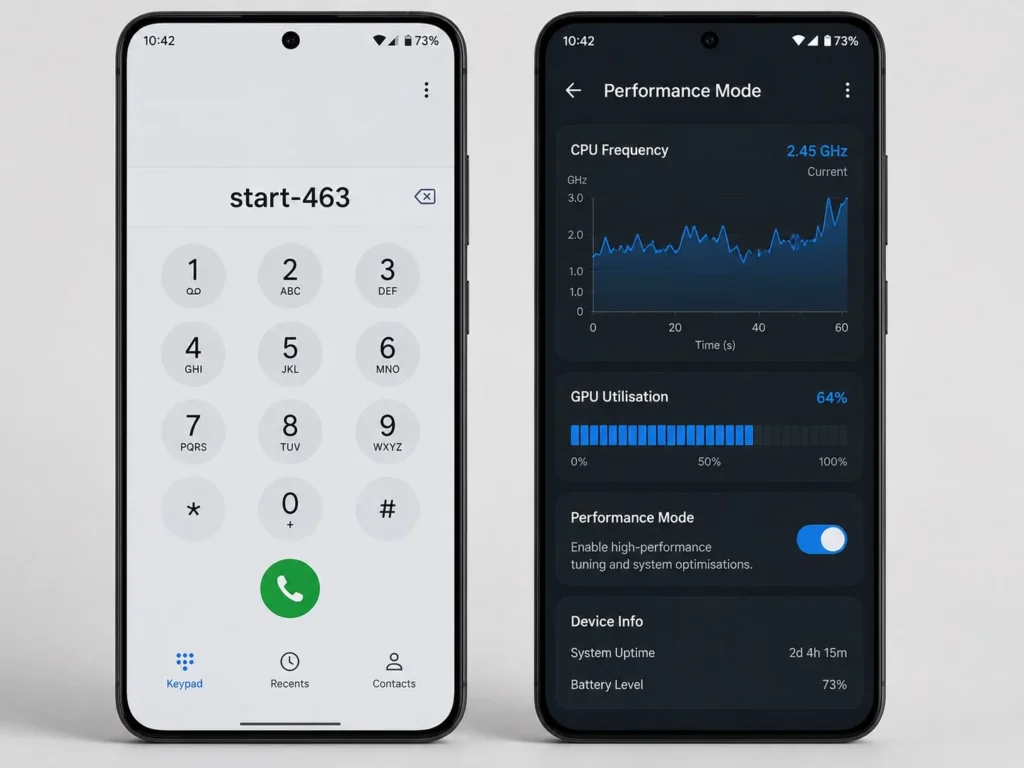
The code start-463 exactly, that by itself is not a standard universal mobile-phone code that automatically sends your calls, messages, or data somewhere.
No carrier uses it either, so typing it in gets you an error tone and nothing else. It does not forward your calls, does not touch your messages and does not send your data anywhere, which needs saying because that is the second version of this rumor going around and it frightens people far more than the gaming one does.
What everybody is reaching for is *#*#4636#*#*. Somewhere along the way the digits got mangled into something that reads like a word, and the mangled version now outranks the real one in plenty of searches.
What Exactly Happened When I Punched start-463 Into My Phone’s Dialer
Type *#*#4636#*#* into the phone app and the screen changes on the last character without you pressing call. The fake code did nothing, which was expected by that point, so the real one went in next.
That part was a surprise. You never press call. The screen flips the moment you finish the last character, with no loading spinner or confirmation or animation of any kind, so it feels like something got set off that was not meant to be. Sat there for a second waiting for the next step before noticing the menu was already open.
Then the anticlimax. What loads is a white screen with black text and a short list, looking like a page somebody built around 2011 and never went back to, which is more or less what it is.
Phone information sits at the top and gives you signal strength as a dBm figure rather than bars, plus network type, IMEI and a ping test you can run from there. Battery information covers voltage and temperature if your phone still carries that section, and quite a few newer ones do not. Usage statistics lists every app with how long it ran and when it last opened, which is more detail than the battery screen in Settings offers. Wi-Fi information rounds it out with connection status and configuration.
Went through all of it hunting for the performance settings everybody talks about, and there is nothing in there to change. Every screen is read only. That was the point where the articles stopped being believable, because you cannot open this menu and come away thinking it boosts anything.
Why This Code Exists (And Why It’s Probably Still On Your Device)
Back when handsets ran on GSM, manufacturers built service menus into them so repair technicians could pull diagnostics without cracking the case open, and those menus were reached through dialer sequences exactly like this one. When Android arrived the convention came with it, and somebody left the shortcut in the phone app pointing at a testing screen the system already had.
It never got a proper entry in Settings because it was never built for regular users, and a maintenance hatch does not get a label on it. That is also why system updates leave it alone. The screen sits inside the phone app rather than living as a separate application, so nothing prunes it when the phone upgrades.
Availability has been shrinking though. A lot of 2024 and newer devices have had chunks taken out, usually the battery section first, and on some models the code does nothing at all when you type it. Samsung phones have generally held onto it while a few Pixels no longer open it, and there is no setting hiding anywhere that brings it back once it is gone.
How to Try start-463 on Your Own Device Without Triggering a Factory Reset
This is the part of the topic that carries actual risk, and almost nobody writing about these codes bothers to mention it.
The testing menu is harmless and shows you information without changing anything. The problem is that it appears on the same lists as codes that will erase your phone, usually with no warning attached and sometimes with the digits printed wrong.
Two of them will wipe you out:
*#*#7780#*#*clears your apps, accounts, settings and downloaded data. Whether a confirmation screen appears first depends entirely on the device.*2767*3855#runs a full format and reinstalls the firmware, and on most phones it fires the instant you finish typing, with no prompt and no way to stop it.
That second one is why people end up searching whether a code they typed has done something to their phone.
A few habits are worth picking up. Read the whole string before typing the last character, since these fire on completion instead of waiting for a call button. Never copy a code out of a comment section or a video description, because one wrong digit turns a diagnostic screen into a format and nobody in the replies is going to catch it. And if a code gets described anywhere as unlocking, resetting, restoring or reinstalling, leave it alone unless wiping the phone is the actual goal.
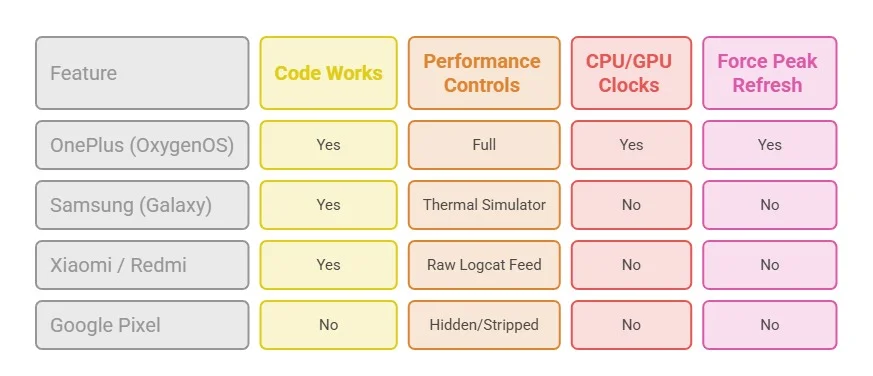
The display ones are fine. *#06# shows your IMEI and *#*#4636#*#* opens the testing menu, and neither of them writes anything. Samsung owners also have *#0*#, which opens a grid of panels that test hardware directly, so you can check the screen for dead pixels, run the touch sensor, fire the vibration motor and test the speakers, and none of it alters a setting.
Does start-463 Actually Boost Your Gaming Performance?
It does not, and I have read enough of these articles now to see where they all go wrong.
Overclocking comes up most. Getting clock speeds above stock means kernel level access, so an unlocked bootloader and a custom kernel, and the number of people hunting for overclock mode without one gives you a sense of how hard that requirement is. A dialer sequence opens a screen already sitting in the system app. It cannot hand out permissions the app was never given.
The per app performance toggle is the claim that annoyed me most, because several sites describe a dashboard inside this menu in enough detail that and went back and checked twice. It is not there. The feature is real and it lives somewhere else entirely, and do not think the people writing about it have opened the menu.
The V-Sync claim is the flimsiest. The story goes that the code cuts input lag on 60Hz screens by switching off buffer layers, and frame pacing on Android is handled by the compositor and the display pipeline, so there is no path from a read only diagnostic screen to any of that.
What people are half remembering is the game mode their phone already has. On a Pixel you go to Settings, then Apps, then Game settings, and turn on Game Dashboard, which puts a floating button on screen while a game runs. Inside are three profiles, with Performance pushing the frame rate up and eating more battery, Standard leaving the game on whatever it shipped with, and Battery Saver capping the rate to make a charge last. The catch is that these only do anything if the developer set the title up for it, and everywhere else the option sits grayed out. Samsung handles the same idea through Game Launcher and Game Booster, applied at system level so it covers far more games, and OnePlus and Motorola both have their own version.
The other place people go looking is developer options, and it is worth being clear about what happens there. Dropping the animation scales makes the phone feel faster between screens without adding a single frame inside the game, and those two things get conflated constantly in threads about this.
How much you gain depends on who published the figure:
- Independent testing puts built in game modes at 3 to 8 percent frame rate improvement over a long session, with a bigger gain in the worst dips.
- Third party booster apps from the Play Store come in at 0 to 2 percent, which is inside the noise.
- Promotional coverage claims 25 to 30 percent, sometimes showing 38 fps turning into 58 fps on the same handset.
A 50% jump from a software profile on hardware you cannot unlock would be a serious piece of engineering and no independent test has reproduced it, whereas fewer background apps fighting over the processor explains a modest real gain perfectly well without anybody having to be lying.
Where you notice it is in the stutters rather than the average frame rate, since most of what these modes do is keep notifications and background apps from interrupting a frame, and that is worth having in a short competitive match. Over a long session leave the phone alone, because sustained high clocks in something that thin end in throttling no matter which profile got picked.