apk
apk
After putting these through their paces, My Boy! is still the one most people should grab first — fast, reliable, works on basically anything. But if you’d rather not pay and hate ads, Pizza Boy GBA genuinely surprised us. Full breakdown below, including a few picks most “best emulator” lists quietly skip.
Wait — GBA Games Aren’t ISOs
Quick thing worth clearing up before anything else. If you’ve been searching for GBA ISOs, that’s a dead end. ISO is a disc image format — PlayStation, Dreamcast, that world. Game Boy Advance ran on cartridges, so the files you want are .gba (sometimes zipped as .zip or .7z to save space and most emulators handle that fine). You won’t find legitimate GBA games packaged as ISOs. If a site’s offering them that way, that’s a red flag worth paying attention to.
All 7 Emulators, Side by Side
Before getting into the weeds on each one, here’s the quick view:
| Emulator | Price | Key Features | Best For |
| My Boy! | Free / Paid | Fast performance, link cable, low resource use | Overall use, low-end phones |
| Pizza Boy GBA | Free / Pro ($5.99) | High accuracy, battery-friendly, no ads | Battery life, accuracy |
| John GBC | Free / Paid ($4.49) | GBA + GBC combined, cheat support | Casual users, GBC fans |
| RetroArch | Free | Multi-system frontend, mGBA core, full customization | Power users |
| Lemuroid | Free | Open-source, clean UI, no ads | Beginners, ad-free crowd |
| GBA.emu | $4.99 | High compatibility, cross-platform saves | Premium, controller users |
| EmuBox | Free (ads) | Multi-console, simple UI | Free all-in-one option |
The Emulators, One by One
My Boy! — Still the Benchmark
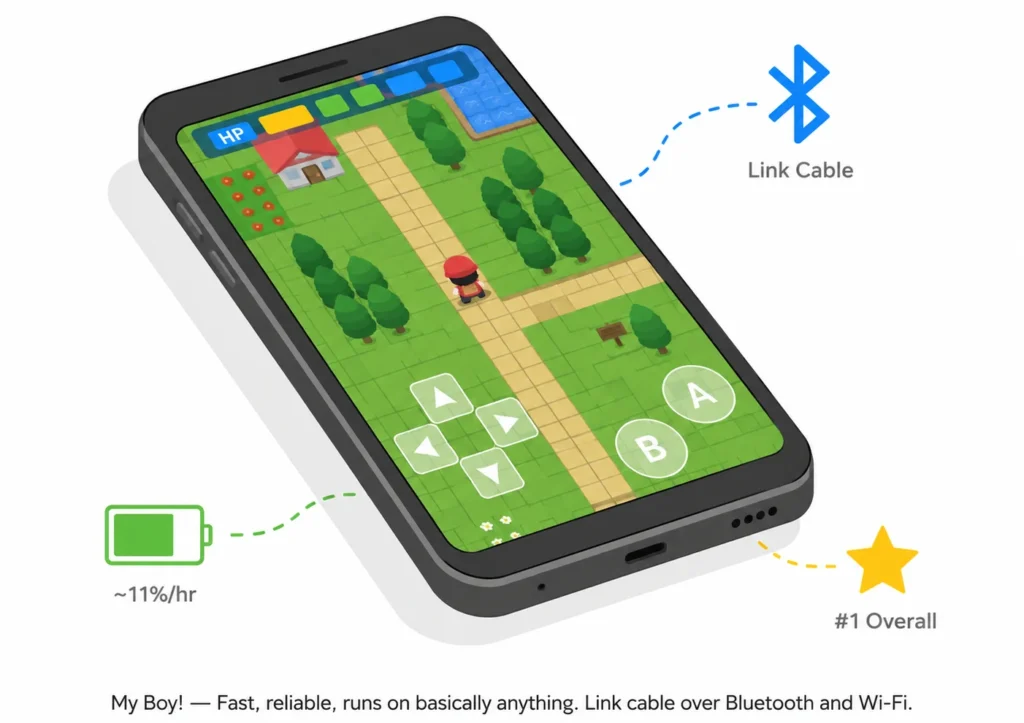
Price: Free (Lite) / Paid unlock Who it’s for: Anyone who wants things to just work, especially on older or mid-range Android phones.
Honestly, My Boy! has been around long enough that recommending it feels almost boring — except it keeps earning it. The performance is tuned well, compatibility across the GBA library is close to complete and it’ll run on hardware that would choke other emulators. The one feature that genuinely sets it apart from everything else on this list: link cable emulation over Bluetooth and Wi-Fi. Trading Pokémon without two actual GBAs and a cable? Yeah, that’s still a bigger deal than it sounds.
Free version caps fast-forward at 2x and gives you one save slot. Paid version opens it up to 16x and multiple slots — worth it if you’re playing regularly.
Pros:
- Near-perfect game compatibility.
- Runs well on low-end devices.
- Link cable support (genuinely rare).
- Google Drive sync on paid version.
Cons:
- Key features sit behind a paywall.
- UI feels a bit dated now.
Pizza Boy GBA — The Free Pick That Actually Delivers
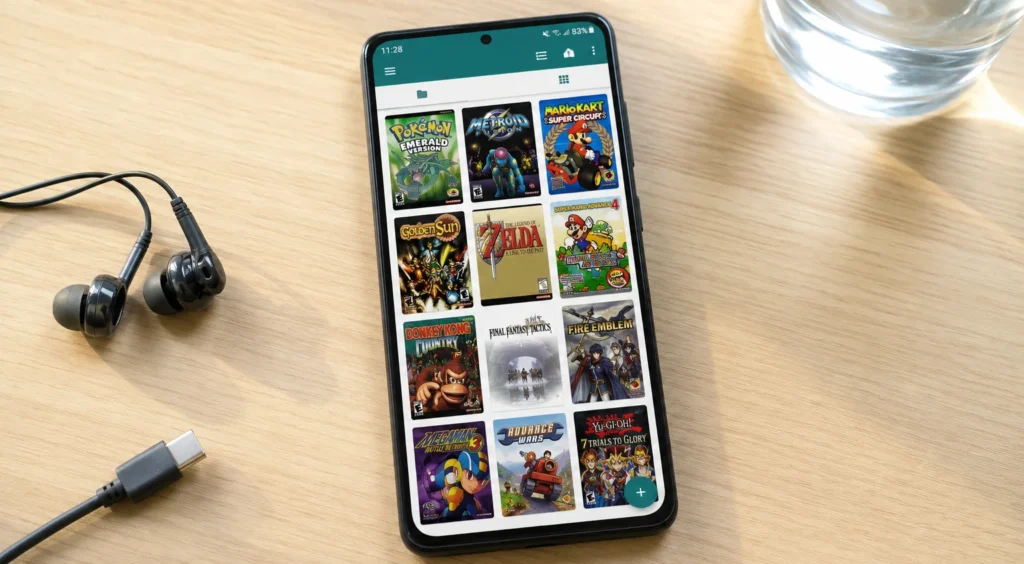
Price: Free (no ads) / Pro at $5.99 Who it’s for: People gaming on the go who care about battery life or anyone who wants a clean, ad-free experience without paying.
The name’s a little ridiculous. The emulator isn’t. Pizza Boy GBA came in and quietly became one of the best options available — the free version has zero ads, which alone puts it ahead of half this list. Accuracy is high, the UI is clean and the battery optimization is legitimately better than most competitors. Running the same ROM, same settings, it’ll sip battery where others drain it.
Pro version adds rewind, auto-save, cloud sync. Nice to have, not essential.
Pros:
- Free version has no ads at all.
- Excellent battery efficiency.
- High emulation accuracy.
- Clean, modern interface.
Cons:
- Rewind and cloud saves need the Pro upgrade.
- Smaller community than My Boy!.
John GBC — Two Consoles, One App
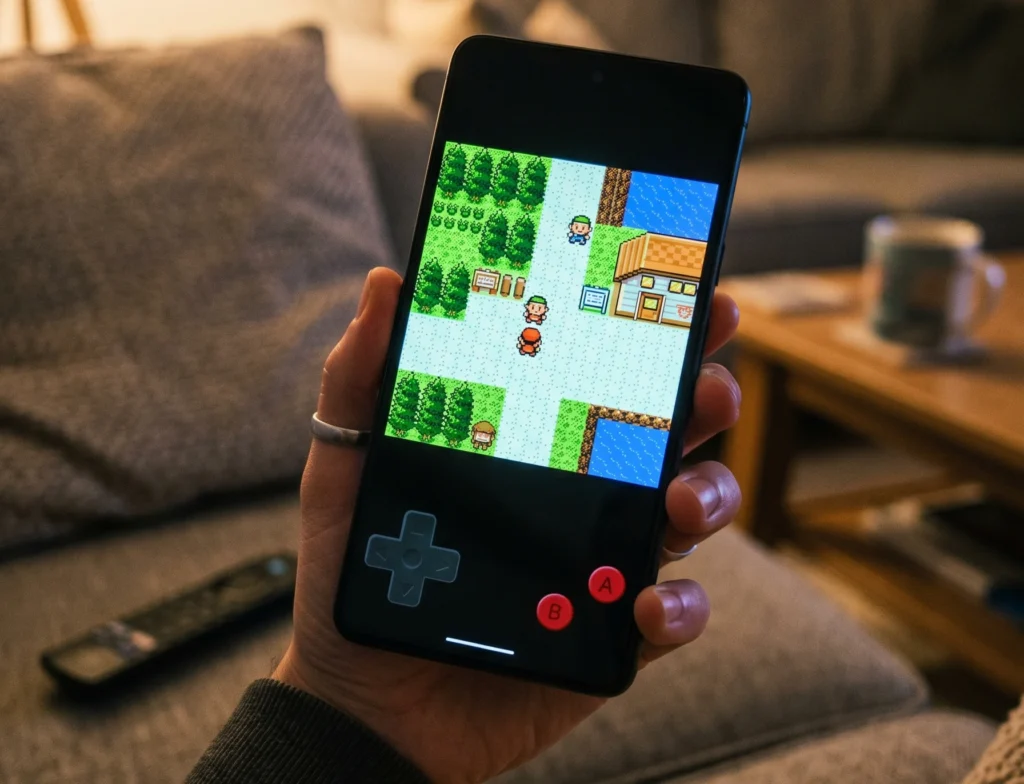
Price: Free (ads) / Paid at $4.49 Who it’s for: Anyone who wants to play both GBA and Game Boy Color games without juggling multiple apps.
Most people forget the GBC library exists until they remember Pokémon Crystal, Dragon Warrior Monsters, Metal Gear Solid — then suddenly it matters. John GBC covers both, which is genuinely useful. It’s not the flashiest emulator on this list but it’s solid, the cheat support is good (GameShark, CodeBreaker both work) and Dropbox sync means your saves travel with you across devices.
The free version has ads. They’re intrusive enough that the $4.49 to remove them is probably worth it if you’re using this regularly. Not a dealbreaker, just worth knowing upfront.
Pros:
- GBA and GBC in one app.
- Good cheat code support.
- Dropbox cloud sync.
- Simple, approachable interface.
Cons:
- Ads in free version feel pushy.
- Nothing that makes it stand out if you only need GBA.
RetroArch — Powerful, But Bring Patience
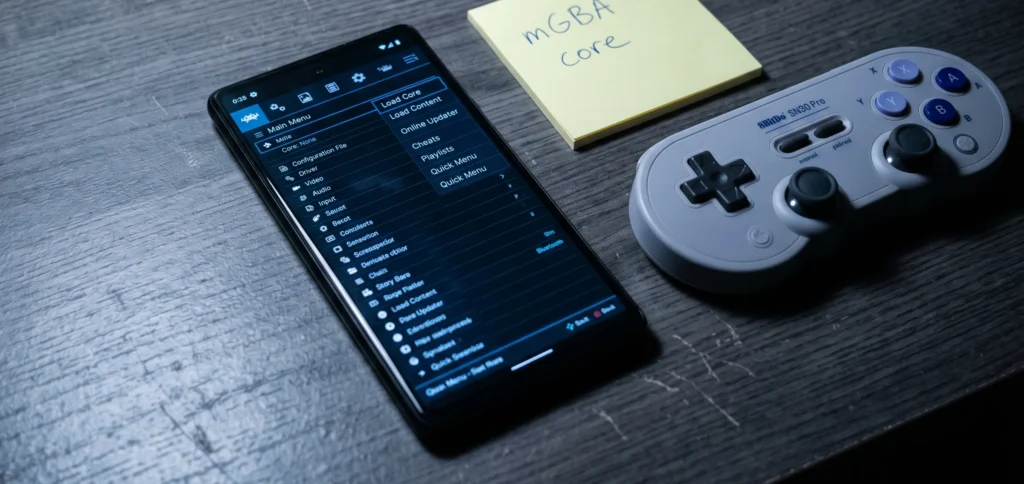
Price: Free Who it’s for: Enthusiasts who want one app for every retro system they own and don’t mind a learning curve.
RetroArch isn’t really a GBA emulator — it’s a frontend that runs emulators inside it, called cores. For GBA, the core you want is mGBA, which has a reputation for accuracy that most standalone apps can’t match. The mGBA project is open-source and actively maintained and it’s accuracy improvements over older emulation engines are well documented.
Here’s the thing though — RetroArch’s interface was clearly designed by people who already know exactly what they’re doing. First-time setup involves navigating menus that feel like they belong in a 2003 media player. Worth it once you get there. Getting there takes a bit.
Reddit’s r/EmulationOnAndroid has solid setup guides if you hit walls — genuinely one of the more helpful communities for this stuff.
Pros:
- mGBA core is among the most accurate available.
- Handles dozens of systems, not just GBA.
- Completely free.
- Deep customization — shaders, latency, everything.
Cons:
- Interface is genuinely confusing at first.
- Overkill if you only want GBA games.
- Setup takes longer than any other option here.
Lemuroid — RetroArch’s Friendlier Cousin
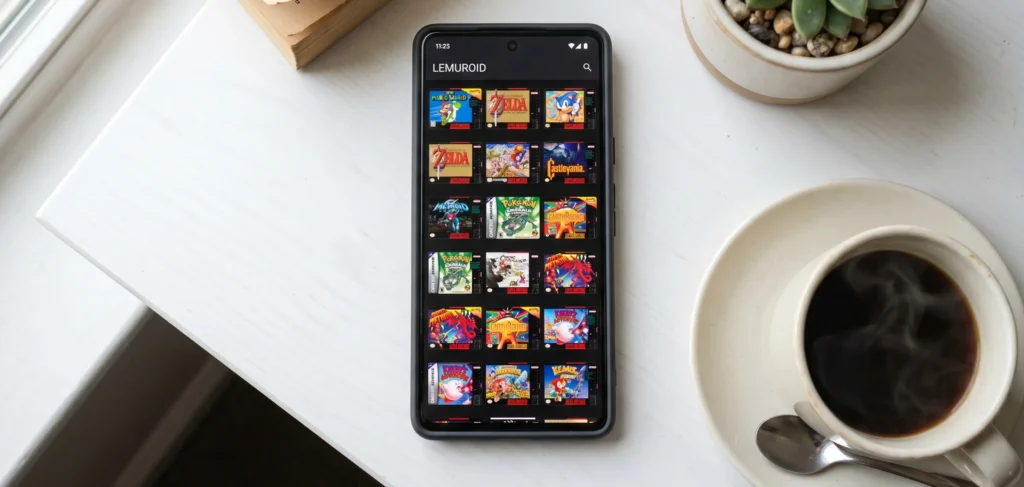
Price: Free, no ads Who it’s for: People who want the accuracy benefits of Libretro cores without RetroArch’s complexity.
Lemuroid is built on the same Libretro foundation as RetroArch — same underlying engine — but someone sat down and built an actual modern Android interface over it. It scans your device for ROMs automatically, pulls cover art organizes everything cleanly. Feels like an app made in this decade.
Completely free. No ads. Open-source. For a beginner who doesn’t want to spend an hour configuring things before playing a single game, this is honestly where I’d point them first.
It doesn’t go as deep as RetroArch on customization — but most people don’t need it to.
Pros:
- Free with zero ads.
- Clean, modern UI that actually makes sense.
- Auto ROM scanning with cover art.
- Open-source and actively developed.
Cons:
- Less customization depth than RetroArch.
- Smaller feature set than paid options.
GBA.emu — Pay Once, No Surprises
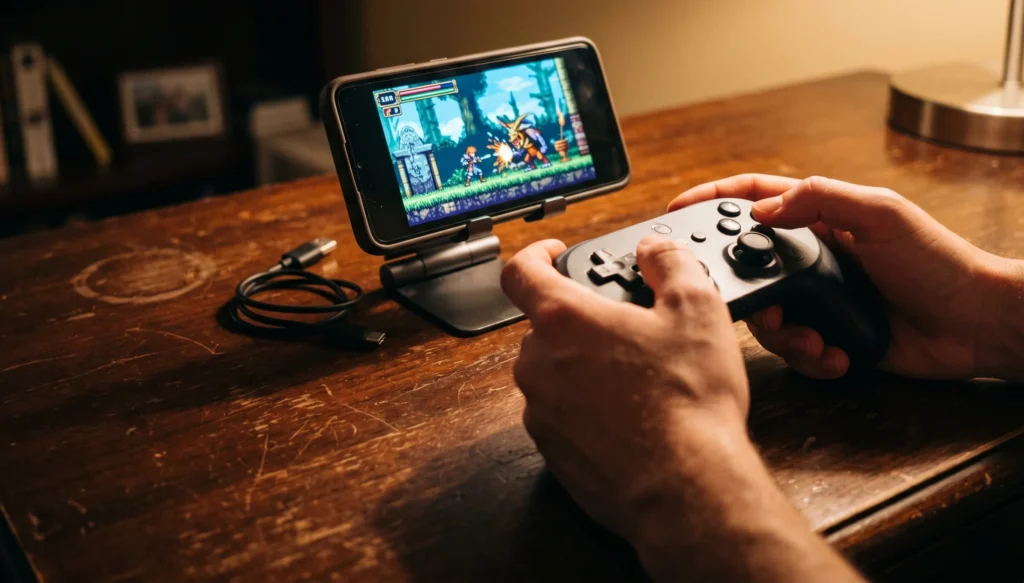
Price: $4.99, no free version Who it’s for: Users who want a polished, no-compromises experience and plan to use a hardware controller.
Robert Broglia’s emulators have a reputation — paid only, no free trial, but consistently well-built. GBA.emu fits that pattern. High compatibility, great hardware controller support out of the box and a cross-platform save system that lets you pick up on PC exactly where you left off on Android. The high-level BIOS emulation means you don’t need to hunt down a BIOS file separately, which removes a friction point that trips up a lot of new users.
No free version is a legitimate gripe. Paying $4.99 blind is a harder ask than it used to be. That said — if controllers matter to you, this handles them better than most options here.
Pros:
- Excellent hardware controller support.
- Cross-platform saves with PC version.
- No BIOS file needed.
- High game compatibility.
Cons:
- No free trial at all.
- Roughly same quality as free options for casual use.
EmuBox — The Free Catch-All
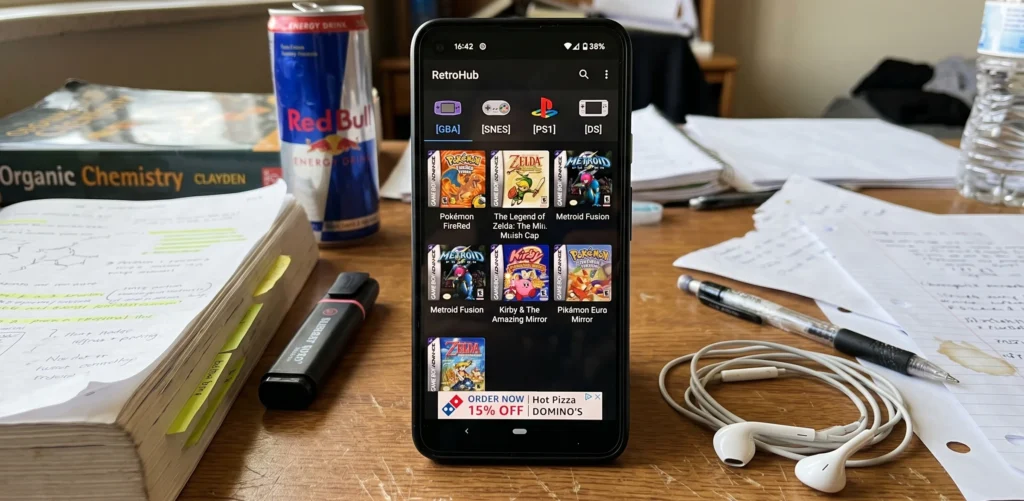
Price: Free, ad-supported Who it’s for: Casual users who want GBA plus a few other systems without spending anything.
EmuBox covers a lot of ground — GBA, Nintendo DS, PlayStation 1, SNES. For someone who wants to occasionally dip into different libraries without installing five separate apps, that’s useful. GBA performance is smooth on most modern Android phones. DS and PS1 get a bit more demanding, so older devices may struggle there.
The ads are present and there’s no paid upgrade to remove them. That’s the main tradeoff. If ads don’t bother you, it’s a genuinely capable free option. If they do — Lemuroid gives you multi-system support without them.
Pros:
- Free, covers multiple consoles.
- Smooth GBA performance.
- 20 save slots per ROM.
- Simple setup.
Cons:
- Ads with no removal option.
- Performance inconsistent on demanding systems.
- Not as polished as dedicated GBA emulators.
Why Accuracy Matters — And Why mGBA Keeps Coming Up
Most people just want games to run. Fair enough. But emulation accuracy is worth understanding briefly because it actually affects your experience in ways that aren’t obvious upfront.
Some games have specific timing requirements — audio that syncs to gameplay events, animations tied to frame cycles, certain effects that only render correctly when the emulator behaves exactly like real GBA hardware. When accuracy is off, you get glitchy sound, flickering visuals or in rare cases, games that softlock at specific points. Not common, but annoying when it happens.
That’s why mGBA gets mentioned constantly. The mGBA project on GitHub has been methodically fixing accuracy issues that older engines like VisualBoyAdvance-M quietly ignored for years. For most popular titles — Pokémon, Zelda, Metroid — any emulator here will handle things fine. For obscure titles or anything with complex audio? Accuracy starts mattering more.
Quick Setup Tips Before You Start
A few things that trip people up:
- Get your ROMs from games you actually own. The legal position on emulation is nuanced — this overview from the Electronic Frontier Foundation covers the broader digital rights picture — but dumping ROMs from cartridges you own is the cleanest approach legally.
- BIOS files. Some emulators need a GBA BIOS file for full compatibility. GBA.emu and most others have high-level emulation built in so you can skip this. RetroArch with mGBA core technically runs without it but runs better with one.
- Controller setup. Plug in or pair your Bluetooth controller before opening the emulator. Most detect it automatically. GBA.emu and RetroArch handle this best — if controller support matters, those two are your options.
- Save states vs. in-game saves. Save states are the emulator saving your exact position. In-game saves write to a .sav file like the actual cartridge would. Use both. Save states disappear if you switch emulators or update the app unexpectedly. In-game saves travel with the .sav file.
- Fast-forward carefully. Some games — particularly anything with randomized encounters or time-based events — behave oddly at high fast-forward speeds. 4x is usually safe. 16x on certain titles causes weirdness.
Legal ROMs and BIOS Files — Worth Knowing
This comes up every time and deserves a straight answer.
Emulators themselves are legal. The GBA Wikipedia page documents it as discontinued hardware — emulating it isn’t inherently a legal issue. Where things get complicated is ROMs. Downloading ROMs for games you don’t own sits in a legal grey area at best and most ROM hosting sites exist in a constant cycle of takedowns.
The safest options: dump ROMs from cartridges you own using a dedicated cartridge reader or check My Abandonware for titles that publishers have released or stopped enforcing. The r/EmulationOnAndroid community also regularly discusses legitimate sources and legal nuances if you want to dig deeper.
BIOS files are a separate matter — they’re Nintendo’s copyrighted code, so distributing them is clearly not legal. Emulators that include high-level BIOS emulation (GBA.emu, My Boy!) sidestep this entirely.
Final Verdict — Which One Should You Actually Download?
Depends entirely on what you’re optimizing for:
Just want the best overall: My Boy! Install it, pay the one-time unlock if you play regularly, move on. It earns the top spot consistently for a reason.
Want free and hate ads: Pizza Boy GBA. Genuinely no compromise here — the free version is clean, accurate and battery-friendly. Most people will never need the Pro upgrade.
New to emulation, want simple: Lemuroid. Open it, point it at your ROMs folder, everything appears with cover art. No configuration rabbit holes.
Want every retro system in one app: RetroArch if you’re comfortable tinkering. Lemuroid if you’re not. Both use the same underlying cores — the difference is just how much you want to configure.
Using a hardware controller seriously: GBA.emu handles this better than anything else here. The $4.99 is worth it specifically for that use case.
Just want free, don’t mind ads: EmuBox covers multiple consoles and gets the job done without spending anything.
One last thing — whichever emulator you pick, keep a backup of your .sav files somewhere. Phones get wiped, apps get uninstalled and losing 40 hours of Pokémon Emerald to a factory reset is the kind of thing that happens exactly once before you start backing up saves religiously.