 Rafael Weiss ( Androind Engineer )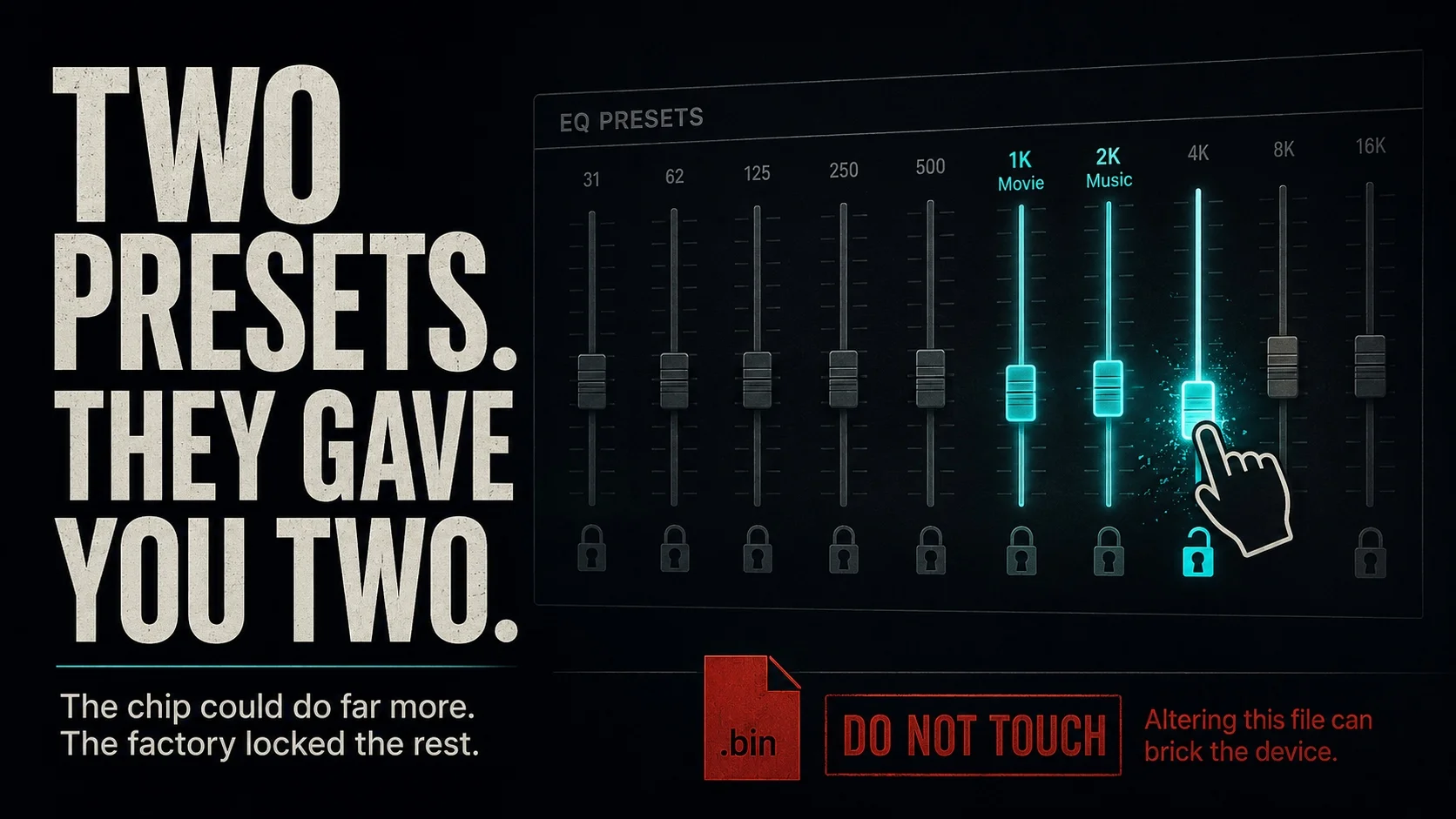
The string Real-902 gets passed around as a realtek part number, usually attached to a story about hidden DSP presets sitting in a system package waiting to be unlocked. Taking that package apart is genuinely how you settle the question. The answer just is not the one those write ups promise.
It is the same shape of problem as what happens when you dial start-463 on your Android phone, where a mangled string picks up a following and the real explanation sits one directory over.
Where The Real-902 Trail Actually Leads
Wikipedia told me Realtek splits its sound silicon into two families. The ALC series covers PC motherboards and Windows laptops, so parts like the ALC892, ALC897, ALC1220 and the ALC4080. The RTL series sits inside Bluetooth SoCs for earbuds, smart glasses and soundbars.
Neither shows up as the internal codec in an Android phone or tablet. Those run Qualcomm’s WCD codecs baked into Snapdragon, whatever MediaTek integrates into its own chipsets, or discrete parts from Cirrus Logic, AKM and ESS depending on how much the manufacturer cared.
There is no ALC902 in the lineup either. The numbering runs 892, 897, 898, 1150, 1200, 1220, then jumps to the 4000 series, with the 255, 256 and 298 covering laptops.
A MediaTek tablet carrying a Realtek codec and a matching tuning package in /system/priv-app is not a thing that ships.
What Is Actually Inside An Android Sound APK
Pull one and decompile it. Tool d TheApp.apk -o unpacked takes about four seconds and settles the argument on its own, and the workflow is the same one covered in most Quora threads about APK modding.
What comes out is thinner than people expect:
res/andsmali/holding the interface, the sliders and the preset names.- An XML or two with preset labels and the values each one sends.
- Sometimes a small
.sothat does nothing but pass strings down through JNI. - No DSP code, no coefficients, no firmware blob.
The strongest evidence for this is a module that already exists in the wild. There is a Dolby Atmos UI Only Magisk module built to install the equalizer interface by itself, and it works exclusively on ROMs that already carry the Dolby processing service underneath. Install it on anything else and the sliders move while nothing happens to the sound.
That would be impossible if the engine lived in the package. The APK is a remote control, and the guides describing hidden presets locked inside one have taken the remote apart looking for the television.
What Exactly Is a Codec Firmware APK?
Firmware loading happens far below anything a package can reach. The kernel driver requests a blob by filename at probe time and pushes it to the chip over I2C or SLIMbus, and that happens before Android has finished booting, before the framework starts, before any installed application exists as a running process. Work coming out of the University of Michigan’s embedded security lab deals with that boundary constantly, and the short version is that userland never gets to cross it.
The directory people find is real. /vendor/lib/firmware holds modem images, Wi-Fi and Bluetooth blobs, touchscreen controller code, fingerprint sensor firmware, and on hardware with a smart amplifier the amp’s own image. Pixels running Android 11 keep a cs35l41 folder in there, which is the Cirrus Logic amplifier those phones use.
None of it is reachable from an installed app, so a package cannot flash it, corrupt it, or unlock a hidden mode inside it.
The Files That Actually Change Your Sound
Once the APK is ruled out, the real targets are easy to find. This is where each thing lives:
| Location | What is in it | What it controls |
|---|---|---|
| The sound app’s | Interface, preset labels, thin JNI wrapper | Nothing directly, it sends commands |
/vendor/lib/firmware | Modem, Wi-Fi, touch, amplifier blobs | Loaded by the kernel before boot |
/vendor/lib64/soundfx/ | Effect libraries as .so files | The actual DSP processing |
audio_effects.xml | Effect registration and UUIDs | Which effects the framework can see |
mixer_paths.xml | ALSA register writes | Gain, routing, per path volume |
audio_policy_configuration.xml | Output capability declarations | Sample rate and format ceilings |
A Sony port pulls libswdap.so out of that soundfx directory, a Motorola one pulls its own equivalent, and above both sits the HIDL service android.hardware.audio.effect@*-impl.so that does the processing.
Open mixer_paths.xml and every line is a register write:
<ctl name="RX7 Digital Volume" value="84" />
<ctl name="HPHL Volume" value="20" />
That file is why your phone sounds bass heavy and scooped in the mids, and manufacturers do trim it conservatively for thermal and excursion reasons.
Worth knowing before anyone gets ideas about sample rates. If the hardware is capped at 48 kHz, the cap is written in audio_policy_configuration.xml, and no preset edit anywhere else overrides it.
Porting A Working Effect Instead
What people actually want from all this is somebody else’s sound processing running on their phone, and that is a solved problem with an established method.
You take the effect libraries and the matching audio_effects.xml entries out of another device’s firmware dump, then package them as a Magisk module rather than writing to a partition. adb remount has not worked on production builds since Android 10, because system as root with dm-verity blocks it, and a module overlay leaves the real partition alone and can be disabled from recovery when a boot fails. r/androidroot is where most of the current troubleshooting on that lives.
What actually goes wrong, from the port authors’ own notes:
- These modules need a HIDL audio service present. Newer AIDL only ROMs will not run them.
- Several Dolby ports spoof
ro.product.brandorro.product.manufacturerto make the vendor service initialize, which can break unrelated system apps. - Two effect modules installed together fight over the same registration file, which is why the Audio Modification Library exists as a shim between them.
- On a read only ROM, a Dolby port can bootloop or softbrick the device outright unless the mount happens at early init.
That last one is the argument for testing on something you do not rely on. r/androidafterlife is full of people finding uses for phones they have already replaced, and an old handset with nothing on it is the right place to find out whether a port bootloops.
If none of that appeals, JamesDSP does most of what a ported effect does with none of the porting. It installs as a Magisk module, runs from Android 5 through 14 and later, and gives you a FIR equalizer, a convolver and DDC support. ViPER4Android is the older name everybody knows and is the wrong place to start now, since it was never built for Android 14 and the original modules have been unmaintained for years. RootlessJamesDSP covers the no root case through the capture API, with the tradeoff that only media playback gets processed.
The mystery does get solved by opening the APK. It just turns out the interesting files were never in it.